
SFSmonitor
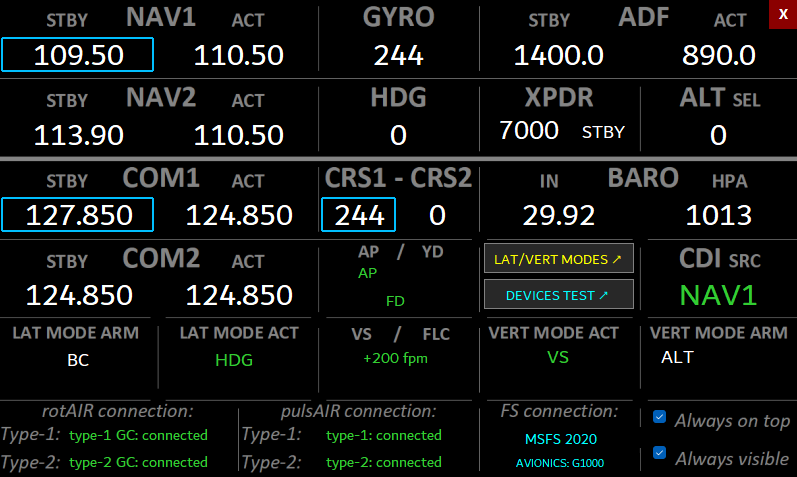
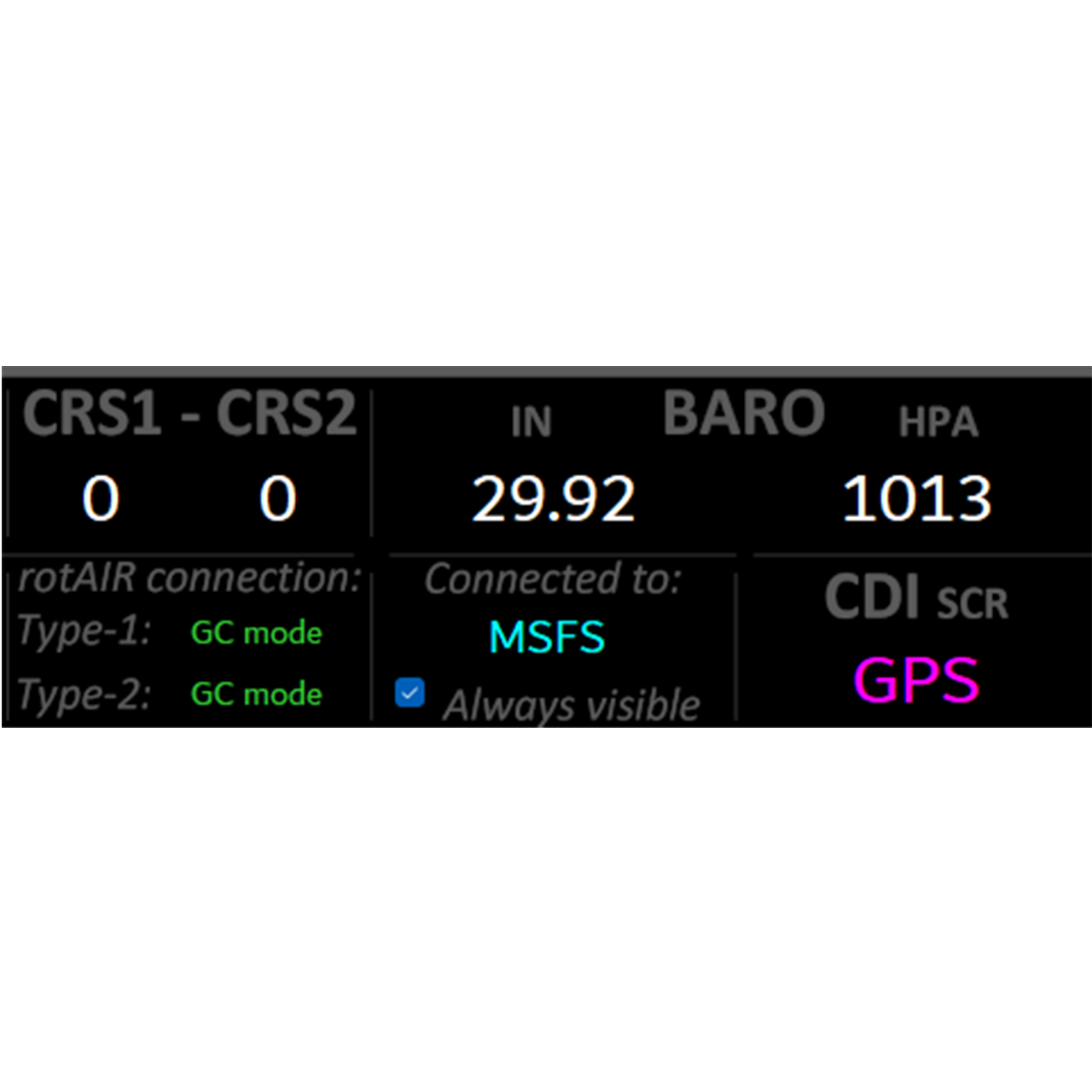

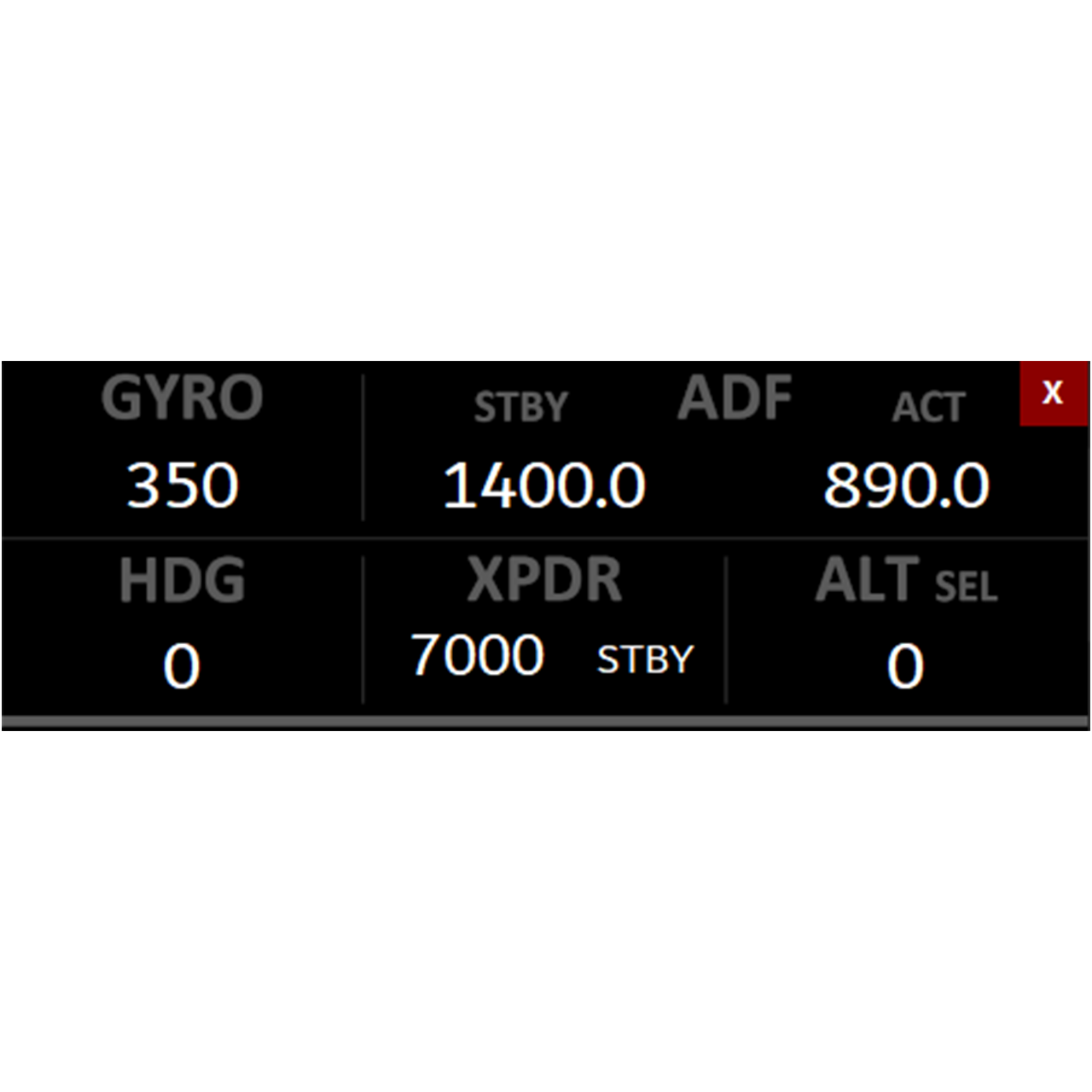
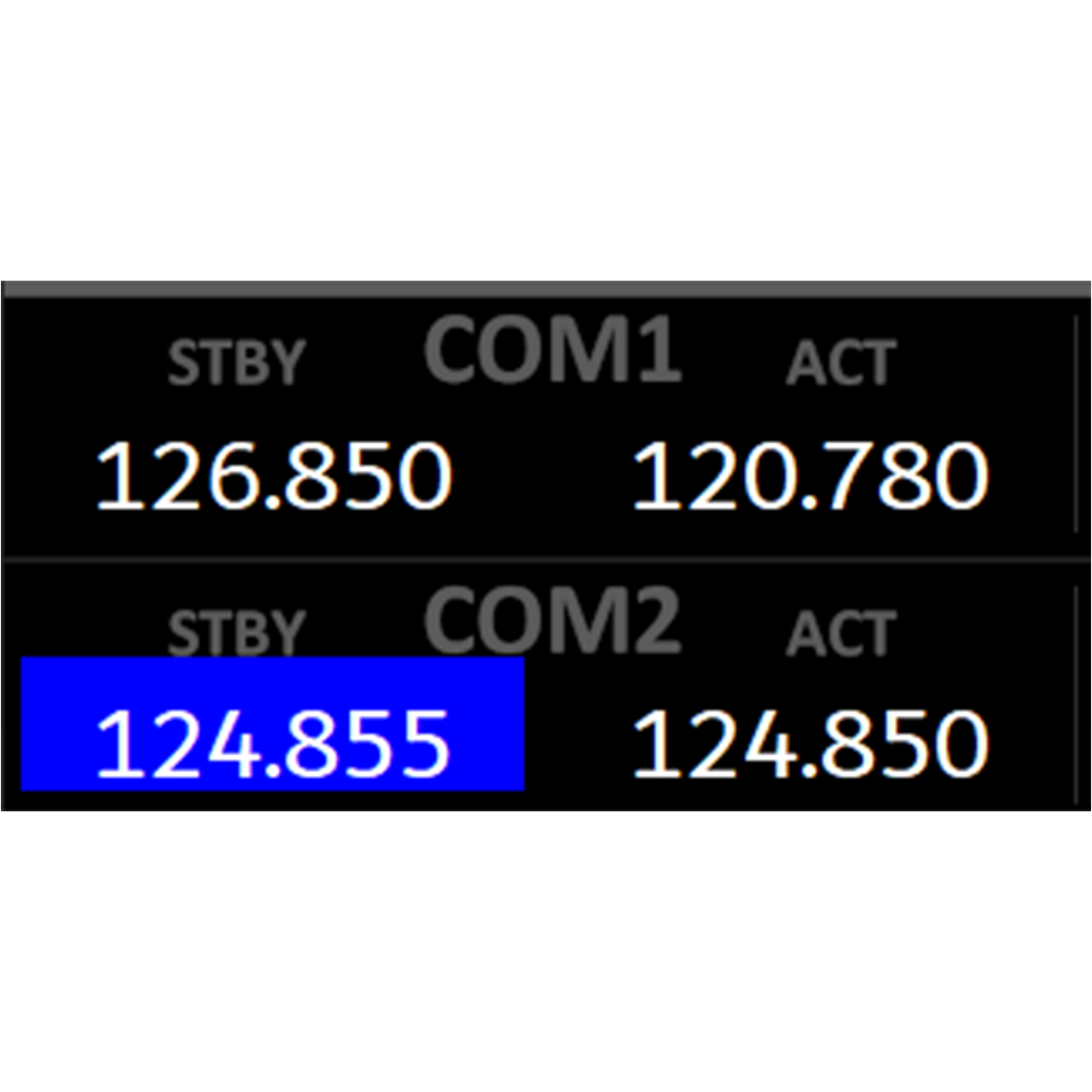
Link between rotAIR and pulsAIR modules and MSFS, displaying and controlling NAV, COM, ADF, ALT, BARO, XPDR, autopilot functions and GlassCockpit display control.
Works with all default MSFS aircraft (G1000, GNS-530, G3000, G3X and other IFR panels).
Usable with or without the rotAIR or pulsAIR hardware
0,00 €
SFSmonitor – Companion Software for Microsoft Flight Simulator
– The key to a true Plug & Fly experience –
The SFSmonitor is the official link between your rotAIR and pulsAIR hardware and Microsoft Flight Simulator, providing direct communication through SimConnect — no need for external addons like FSUIPC, SPAD.neXt, or Axis and Ohs. Simply connect your modules, launch the app, and start flying.
It ensures instant synchronization and real-time response between your rotAIR encoders and pulsAIR buttons and the simulator, displaying and controlling flight parameters such as NAV, COM, ADF, ALT, BARO, XPDR, and more.
The SFSmonitor also includes built-in acceleration logic for parameters like HDG, CRS, GYRO, and COM frequency decimals, allowing smooth and intuitive adjustments that feel just like real avionics.
pulsAIR modules also provide direct autopilot interaction and GlassCockpit display control for supported MSFS avionics.
Even without a rotAIR or pulsAIR module, the SFSmonitor can be used as a compact visual dashboard for all default MSFS aircraft equipped with G1000, GNS-530, G3000, G3X, or other IFR avionics, keeping essential flight data always visible.
Lightweight, fast, and fully integrated, the SFSmonitor turns the rotAIR and pulsAIR system into a complete Plug & Fly solution for serious IFR flying.
Key Features:
- Native link between rotAIR and pulsAIR hardware and MSFS (no external addons required)
- Plug & Fly setup — connect, launch, and fly
- Real-time synchronization of IFR parameters (NAV, COM, ADF, ALT, etc.)
- Built-in acceleration system for HDG, CRS, GYRO, and COM decimals
- Autopilot interaction and GlassCockpit display control through pulsAIR modules
- Works independently as a visual dashboard for default MSFS aircraft
- Auto-hide interface for clean desktop experience
Free download
What is SFSmonitor?
SFSmonitor is a companion app for Microsoft Flight Simulator that connects rotAIR and pulsAIR hardware directly to MSFS through SimConnect, without the need for addons such as FSUIPC, SPAD.neXt or Axis & Ohs. It also displays live flight data (NAV, COM, ADF, ALT, BARO, XPDR, etc.) on screen.
Can I use SFSmonitor without owning the rotAIR or pulsAIR hardware?
Yes. Even without rotAIR or pulsAIR modules, SFSmonitor works as a visual dashboard for all default MSFS aircraft equipped with G1000, GNS-530, G3000, G3X or other IFR avionics.
Is SFSmonitor compatible with X-Plane or Prepar3D?
No. SFSmonitor is designed exclusively for Microsoft Flight Simulator (MSFS 2020 and MSFS 2024).
Do I need to install anything inside MSFS?
Yes. Installation requires copying the SFS_Link folder to your Community folder. This enables communication between the app and the simulator.
Can I move the SFSmonitor window anywhere on my screen?
Yes. You can freely drag the window to any position so it doesn’t interfere with your cockpit layout.
Is the app always visible on screen?
No. SFSmonitor includes an auto-hide system that hides the window after 5 seconds. You can also enable “always visible” if you prefer.
Is SFSmonitor compatible with Windows 10 and Windows 11?
Yes. The application works on both Windows 10 and Windows 11 (64-bit).
Flight Simulators
- MSFS 2020 – MSFS 2024
Operating Systems
- Windows 10 and Windows 11 (64-bit)
Hardware
- Fully compatible with all rotAIR and pulsAIR modules.
Avionics Supported (MSFS Default Aircraft)
- G1000 Nxi
- GNS-530
- GNS-430 (only frequencies)
- G3000
- G3X
- Other default IFR avionics using standard MSFS SimConnect events.
Requirements
- .NET Desktop Runtime (Windows will prompt installation the first time you run SFSmonitor, if required).
- Four free USB ports (only if using rotAIR or pulsAIR hardware).