rotAIR
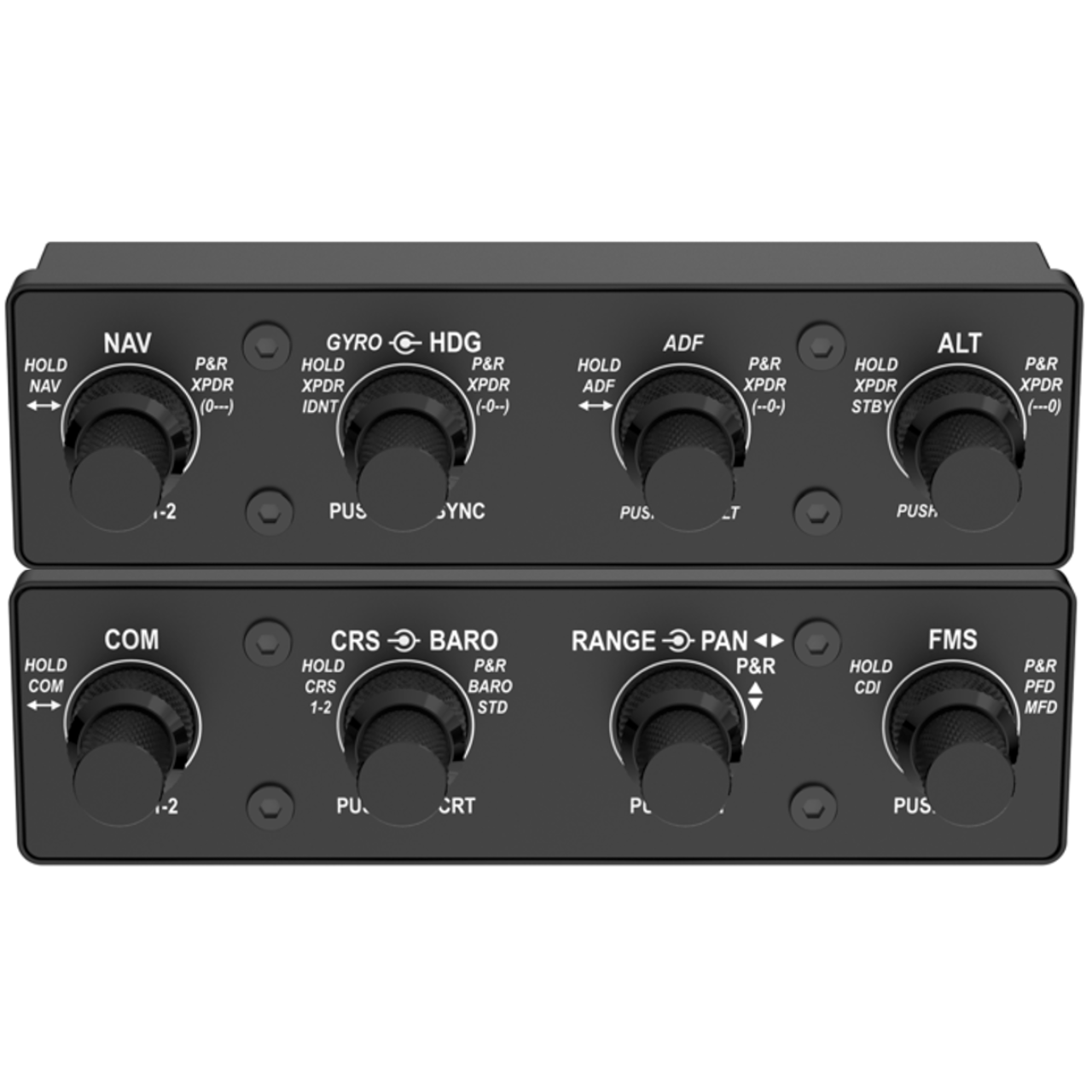
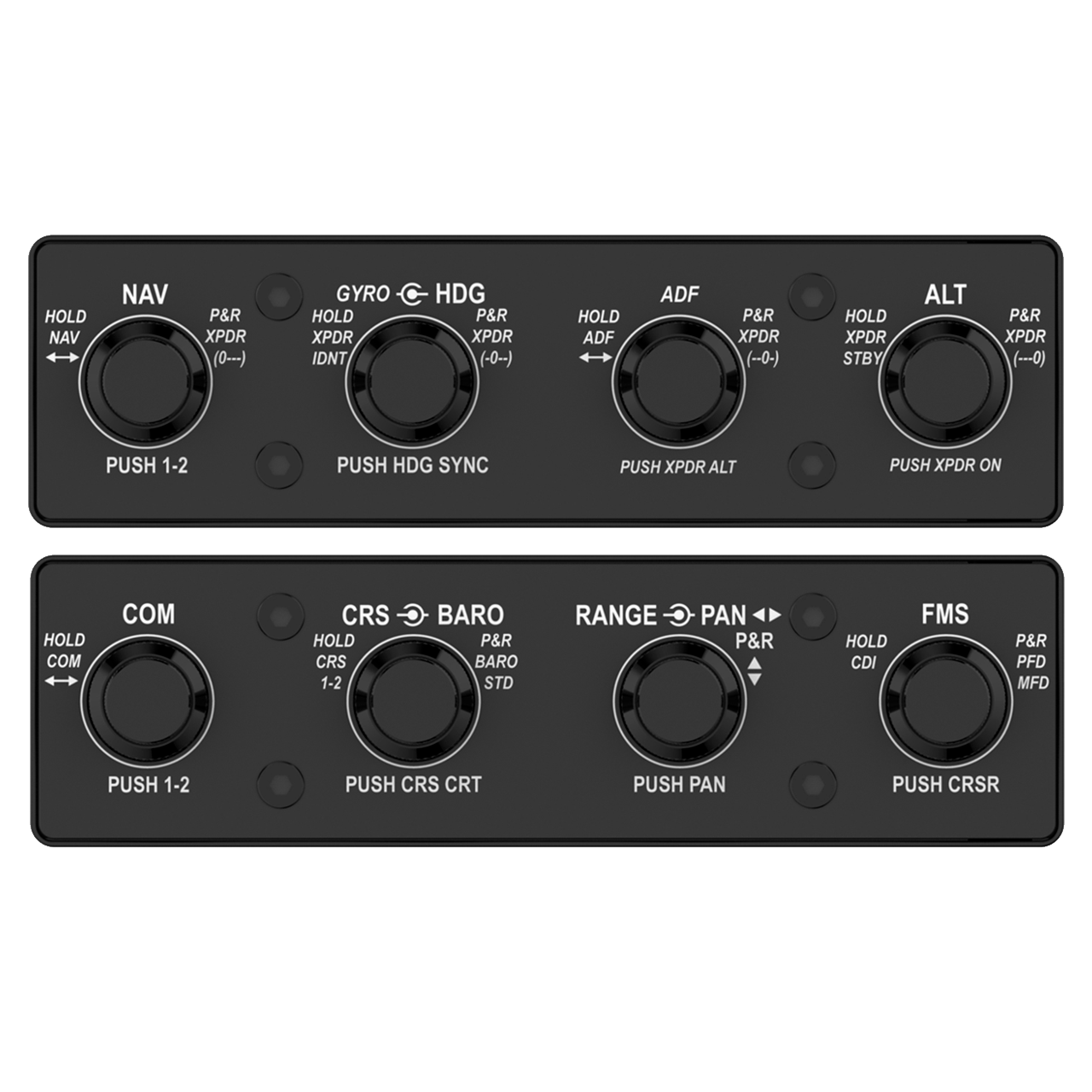
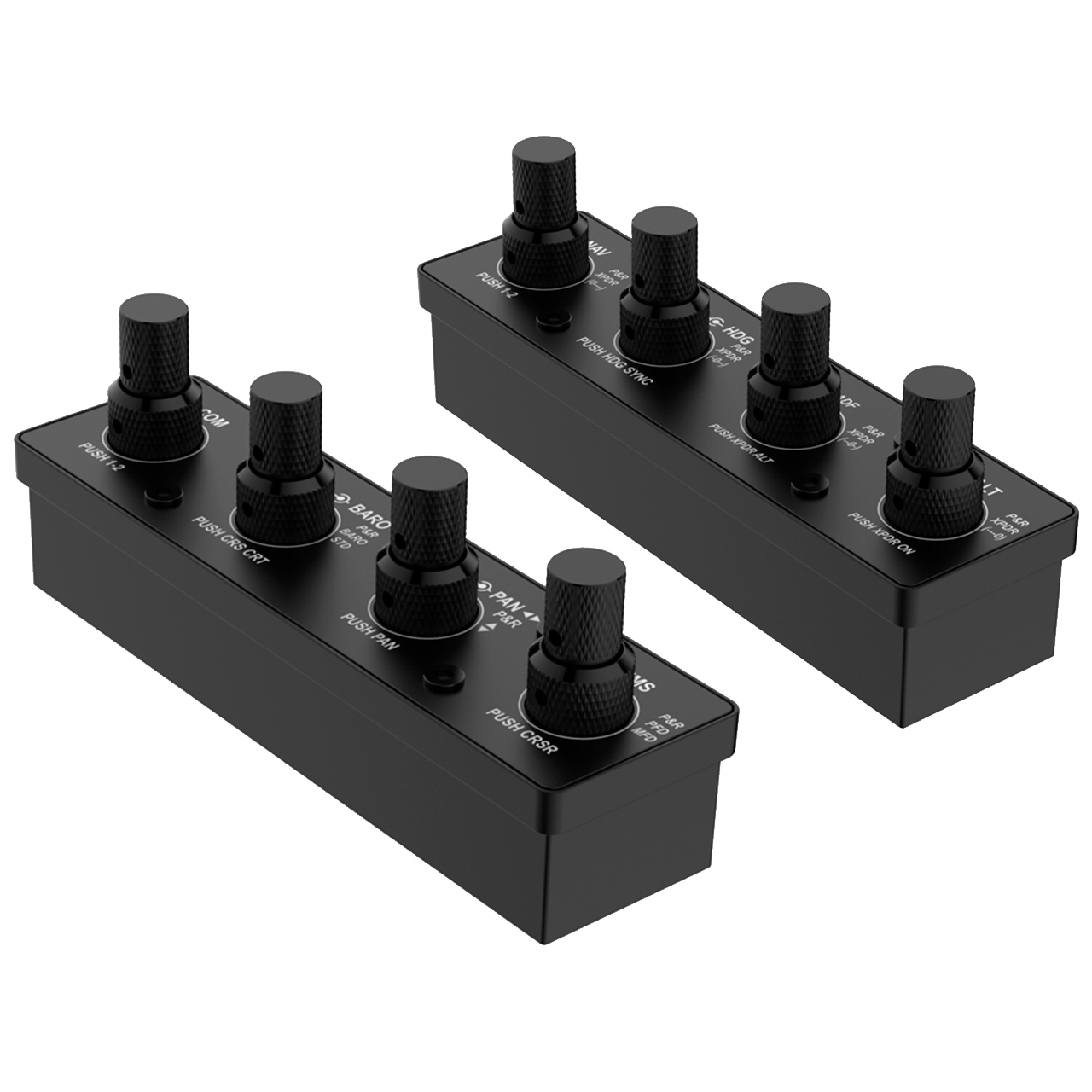
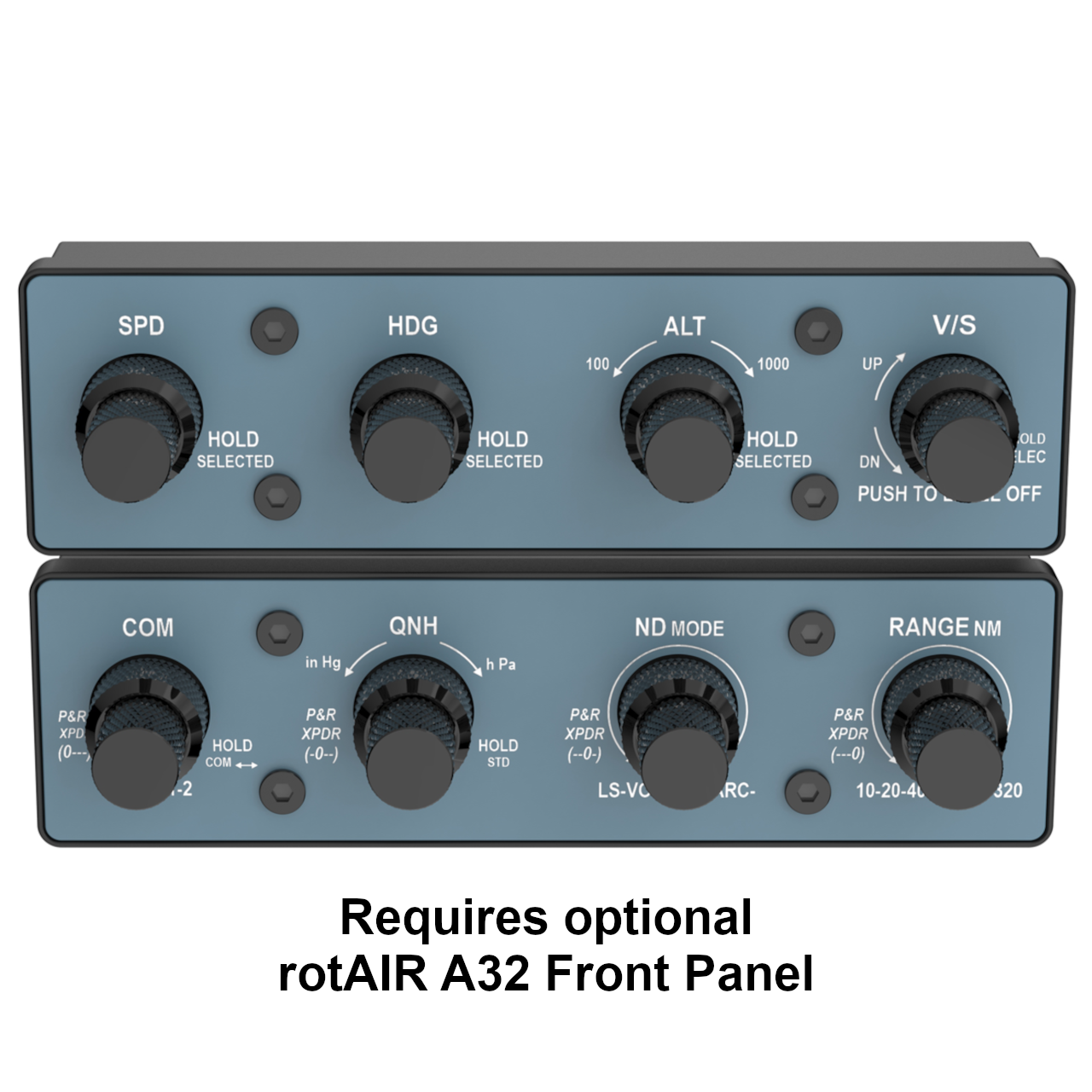
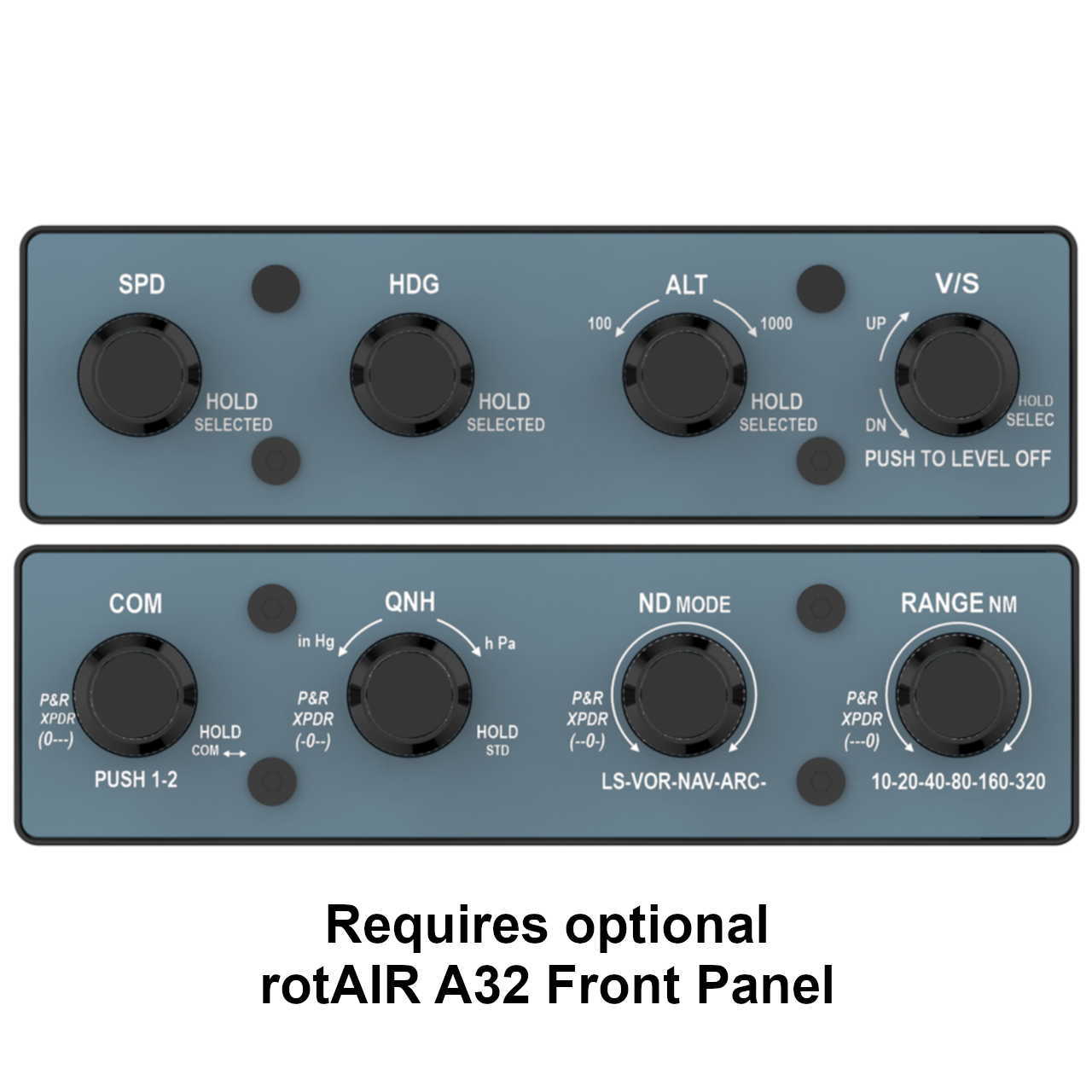
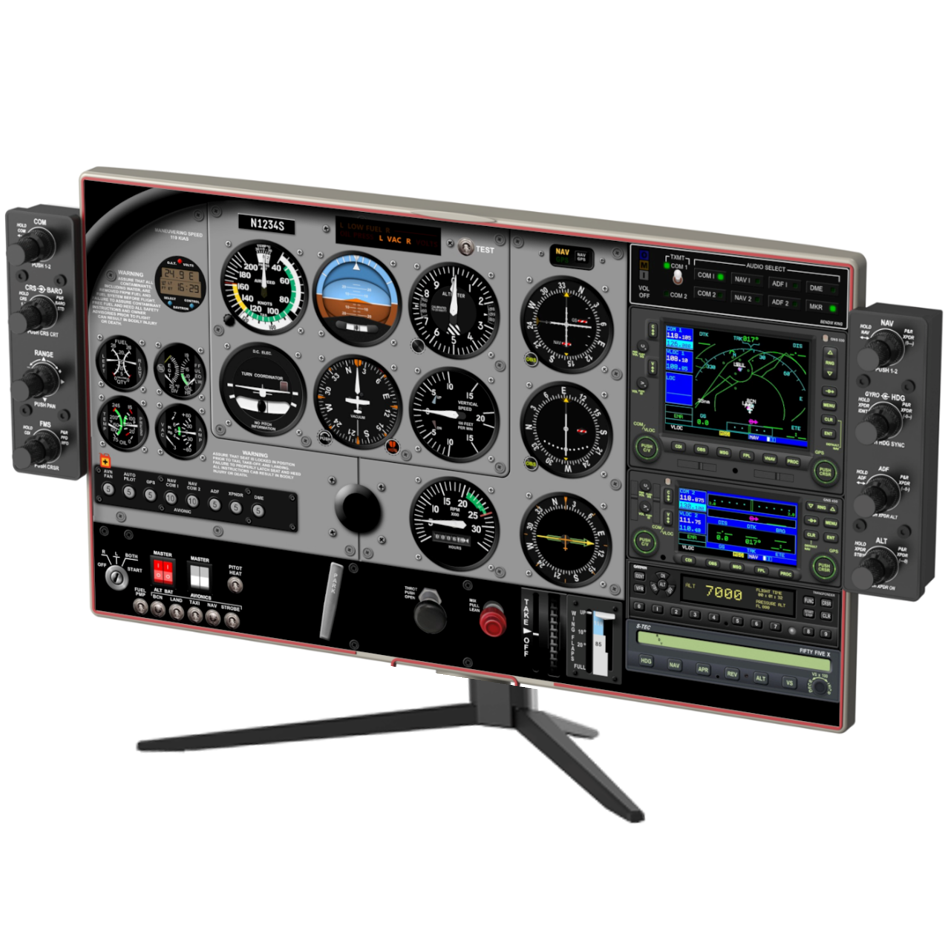
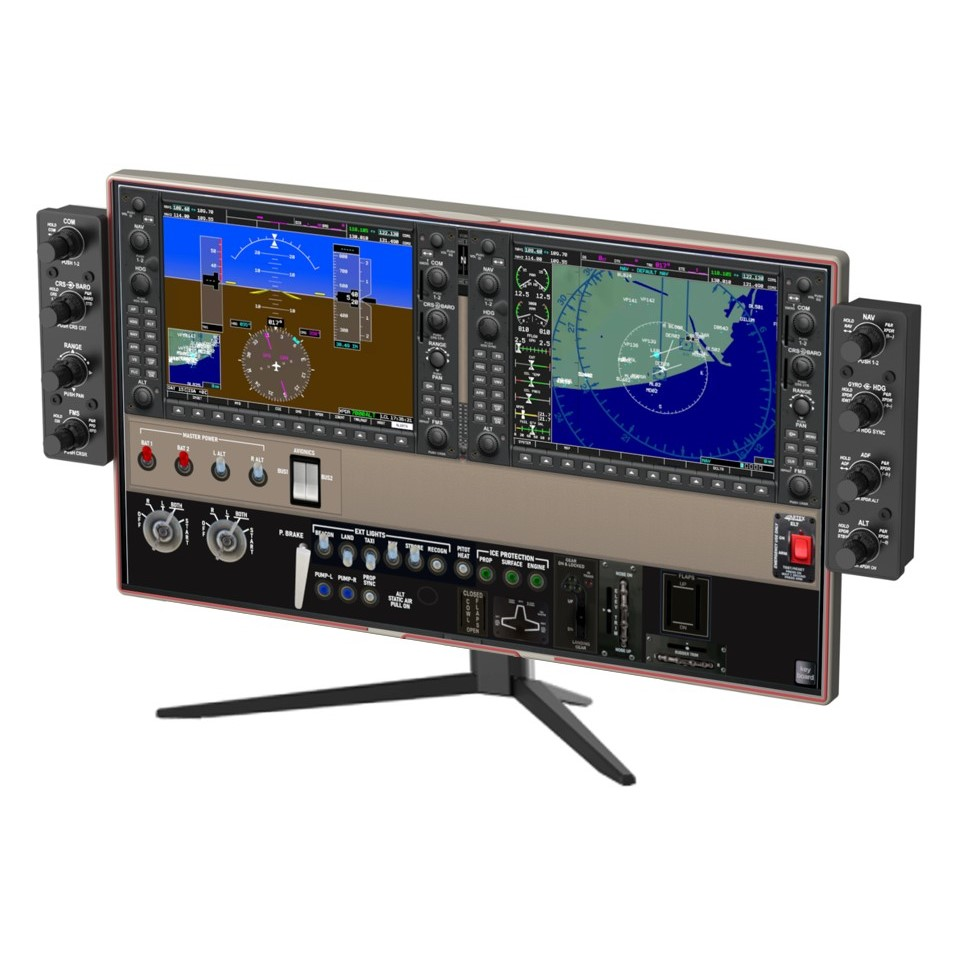
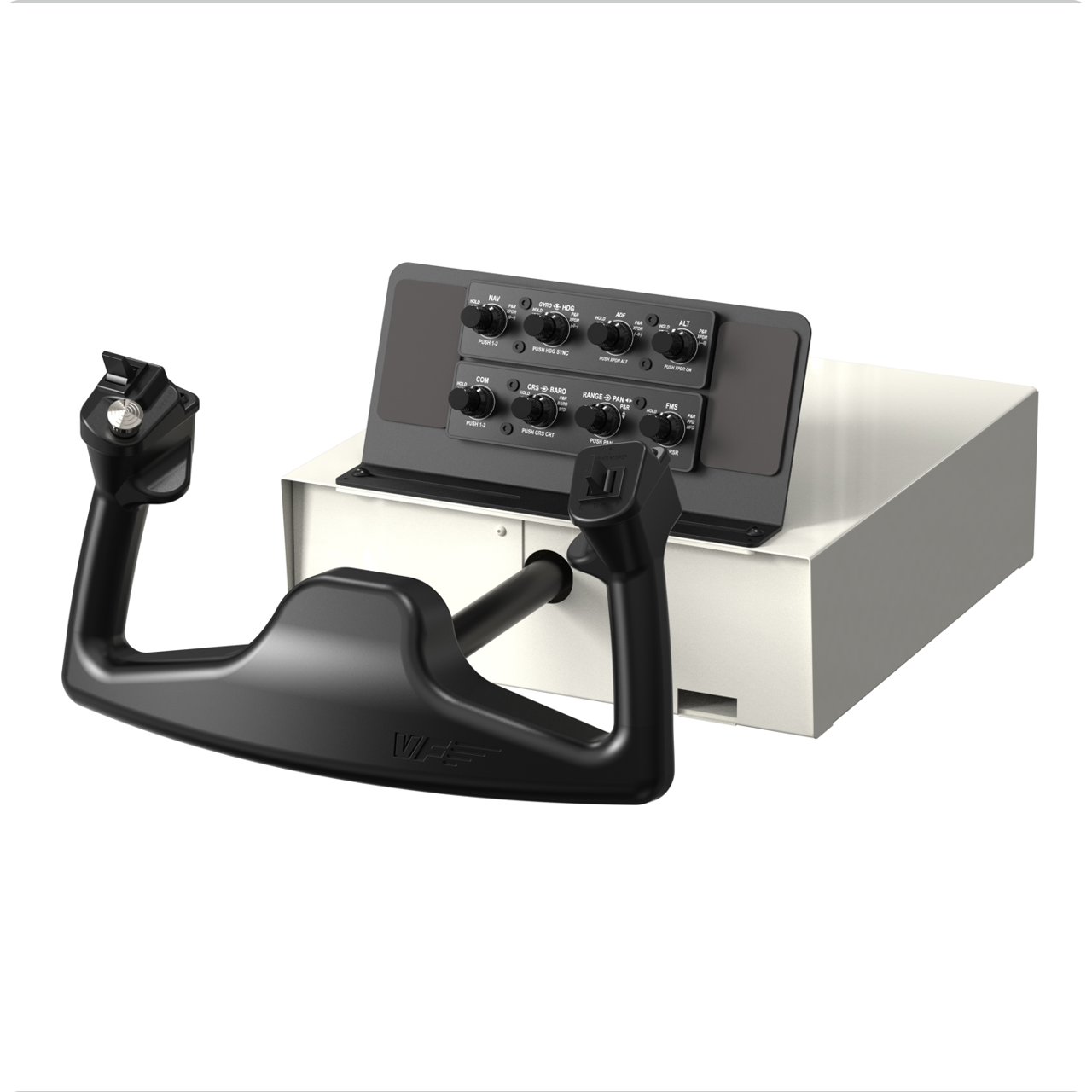
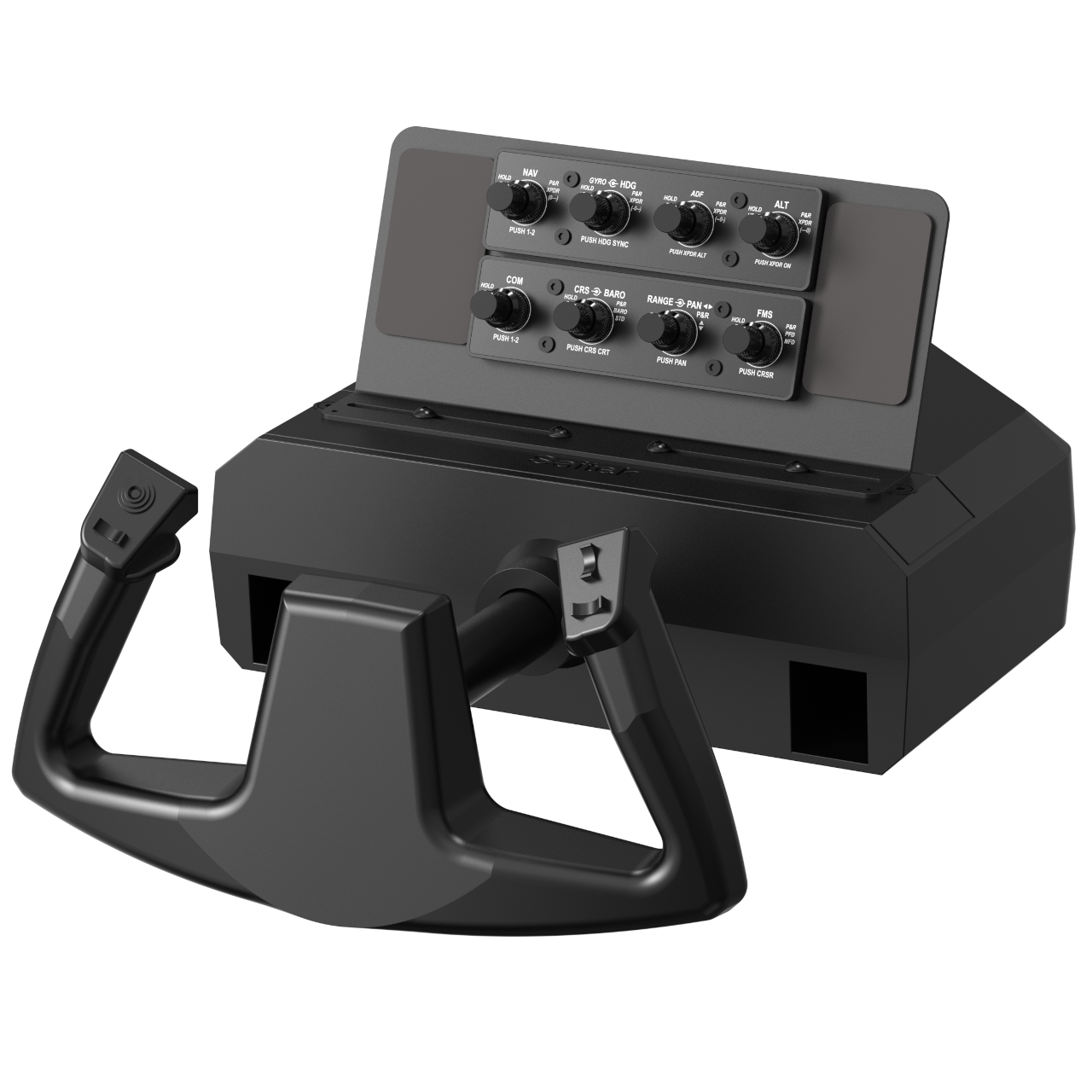
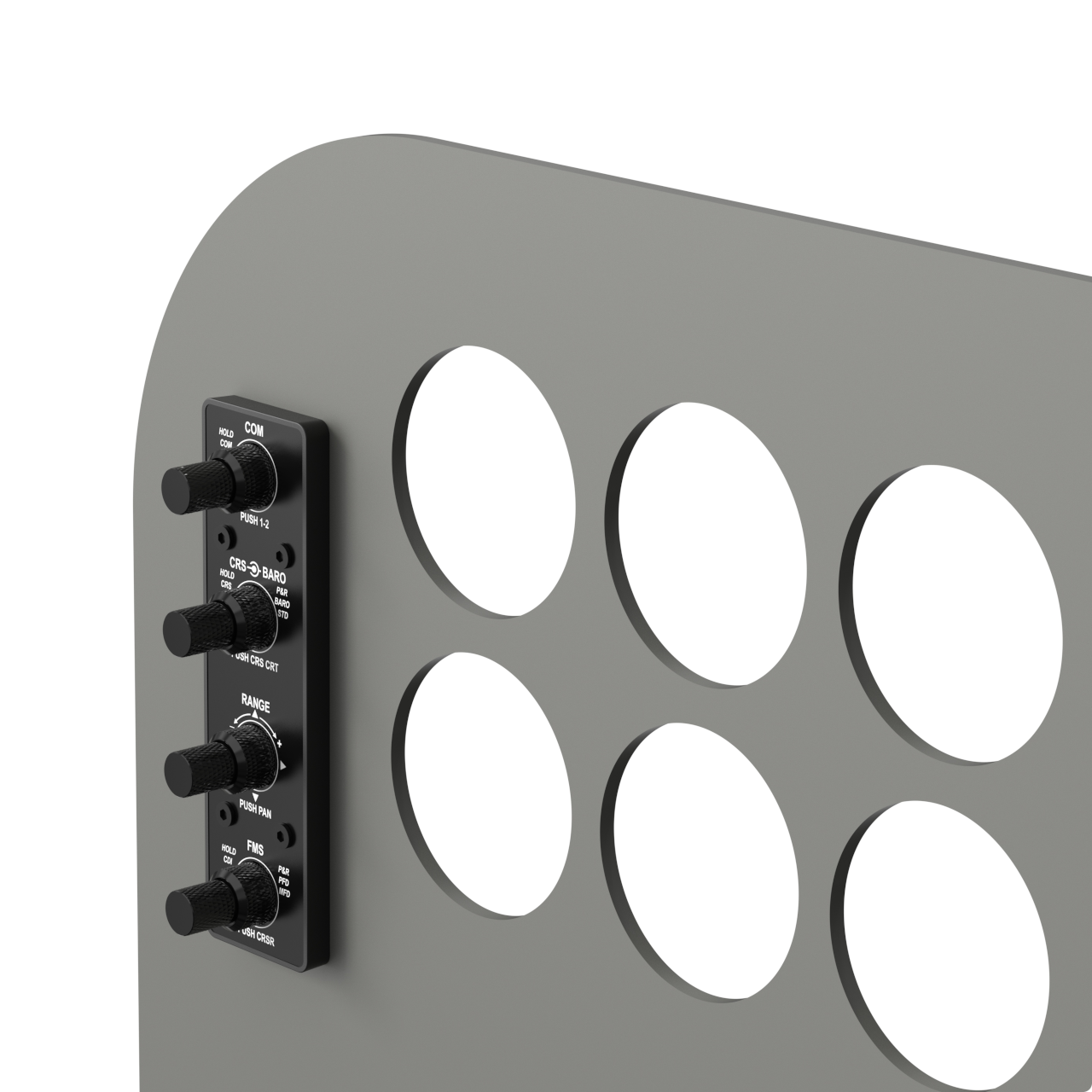
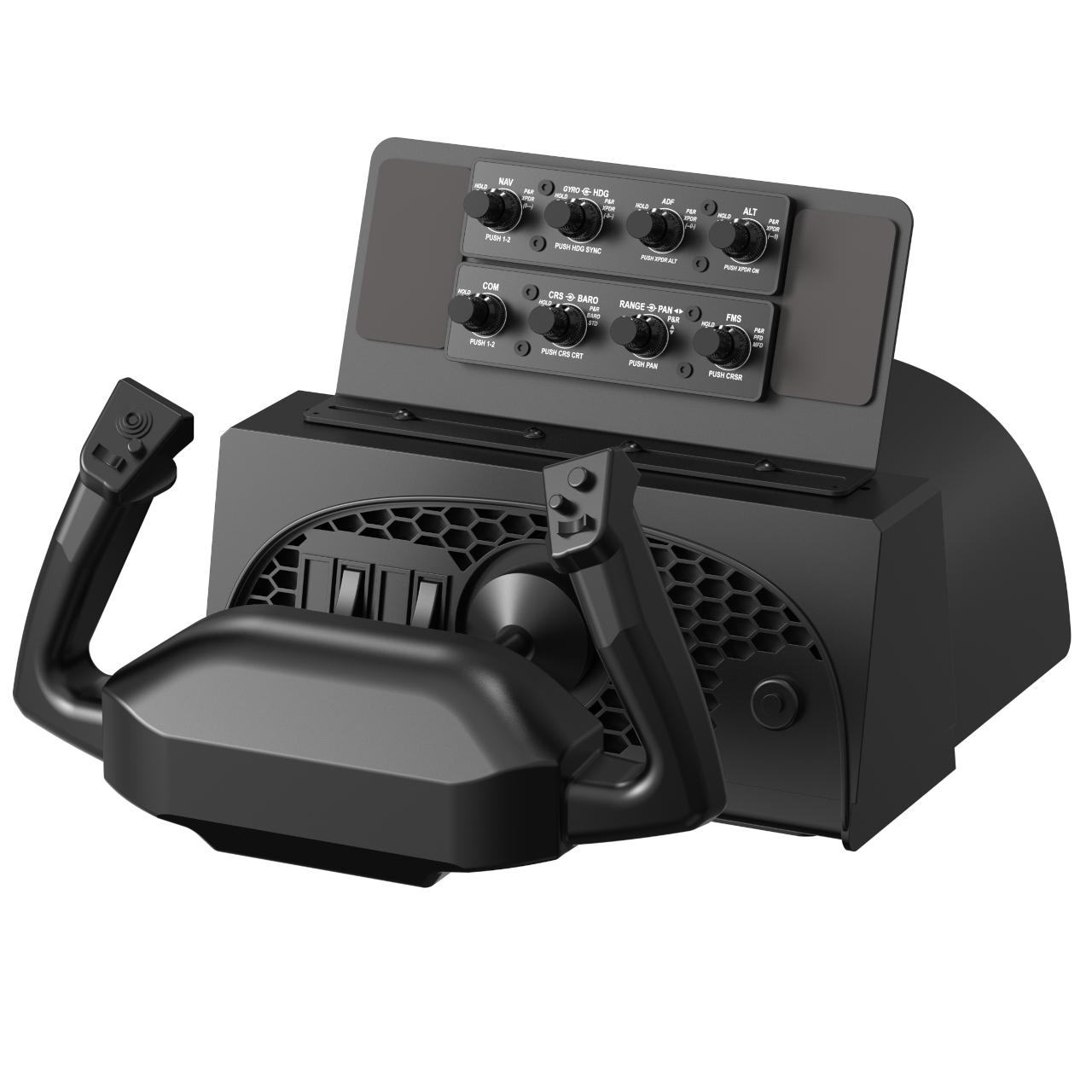
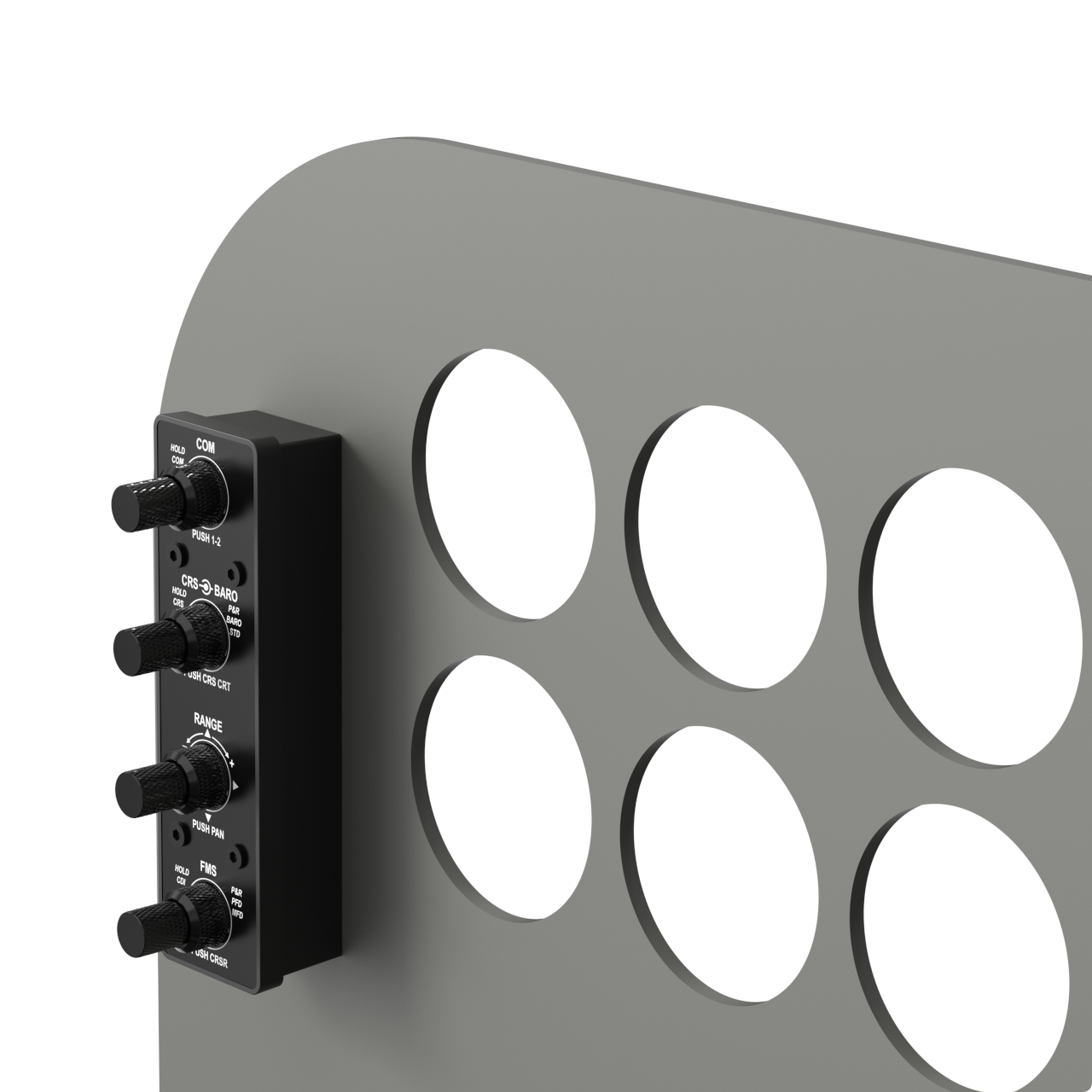
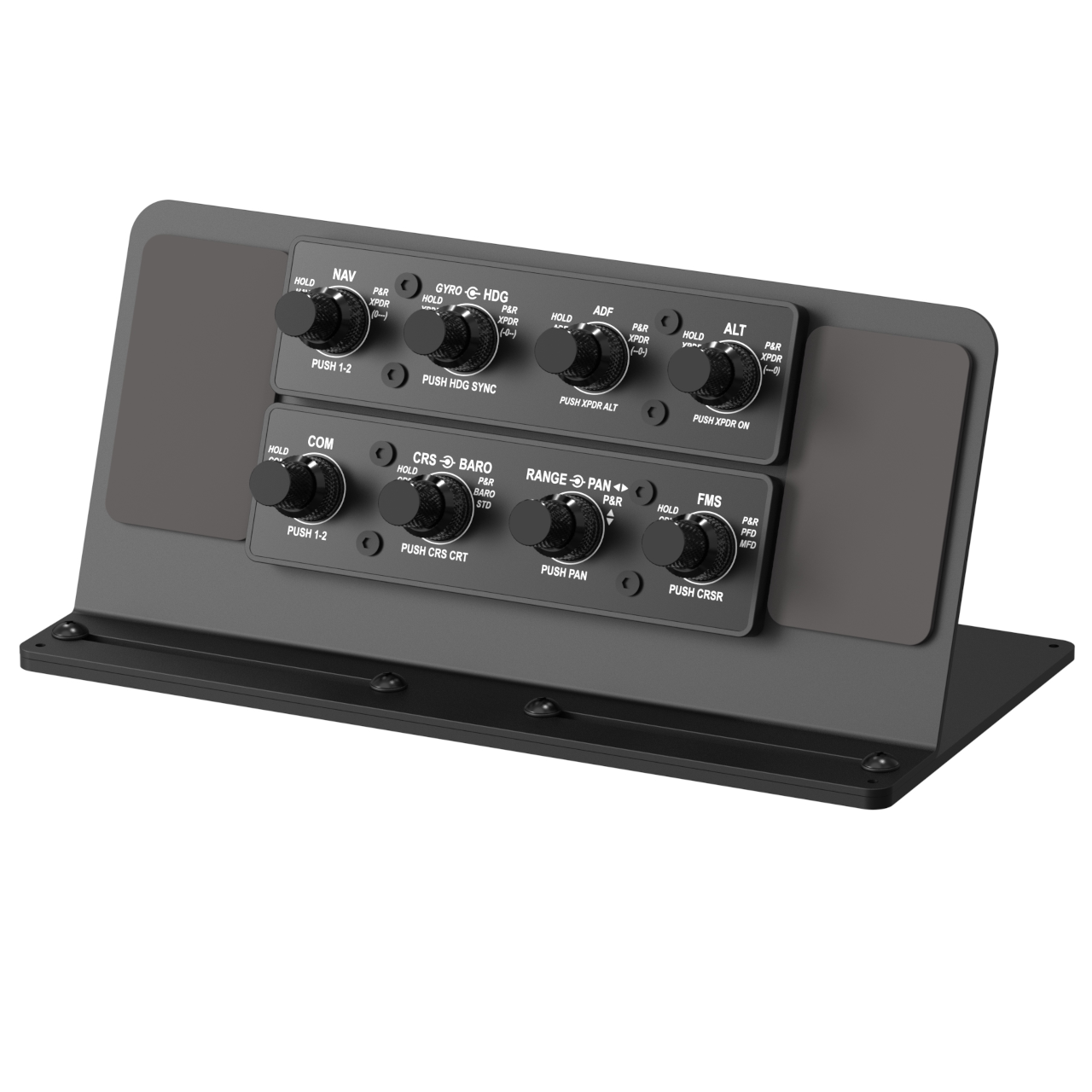
Dual rotary encoder modules for GA flight simulation, with optional Airbus A320 compatibility. Includes 2 modules with 8 dual-shaft rotary encoders inspired by G1000 hardware, switchable between PFD and MFD, with GlassCockpit and Analog modes and backlighting.
A320 compatibility enabled with the optional A32 Front Panels
In Stock
165,00 €
rotAIR – Dual Encoder Pack for Flight Simulator G1000, GNS530, GTN750, Radio Panels and Airbus A320 (with optional A32 Front Panels)
– Forget your keyboard and mouse for IFR flight – Take your flight simulation experience to the next level with the rotAIR Pack, a bundle of 2 cutting-edge modules designed for enthusiasts and professionals. Each module is equipped with 4 dual-axis rotary encoders and premium aluminum knobs, providing precision and versatility like never before.
By default, rotAIR is designed as a General Aviation (GA) control solution, ideal for G1000, GNS and GTN avionics, including classic analog radio stack layouts.
With the optional A32 Front Panel accessory, the same hardware can be physically transformed into an Airbus A320-style layout, enabling realistic FCU, EFIS, COM and XPDR interaction.
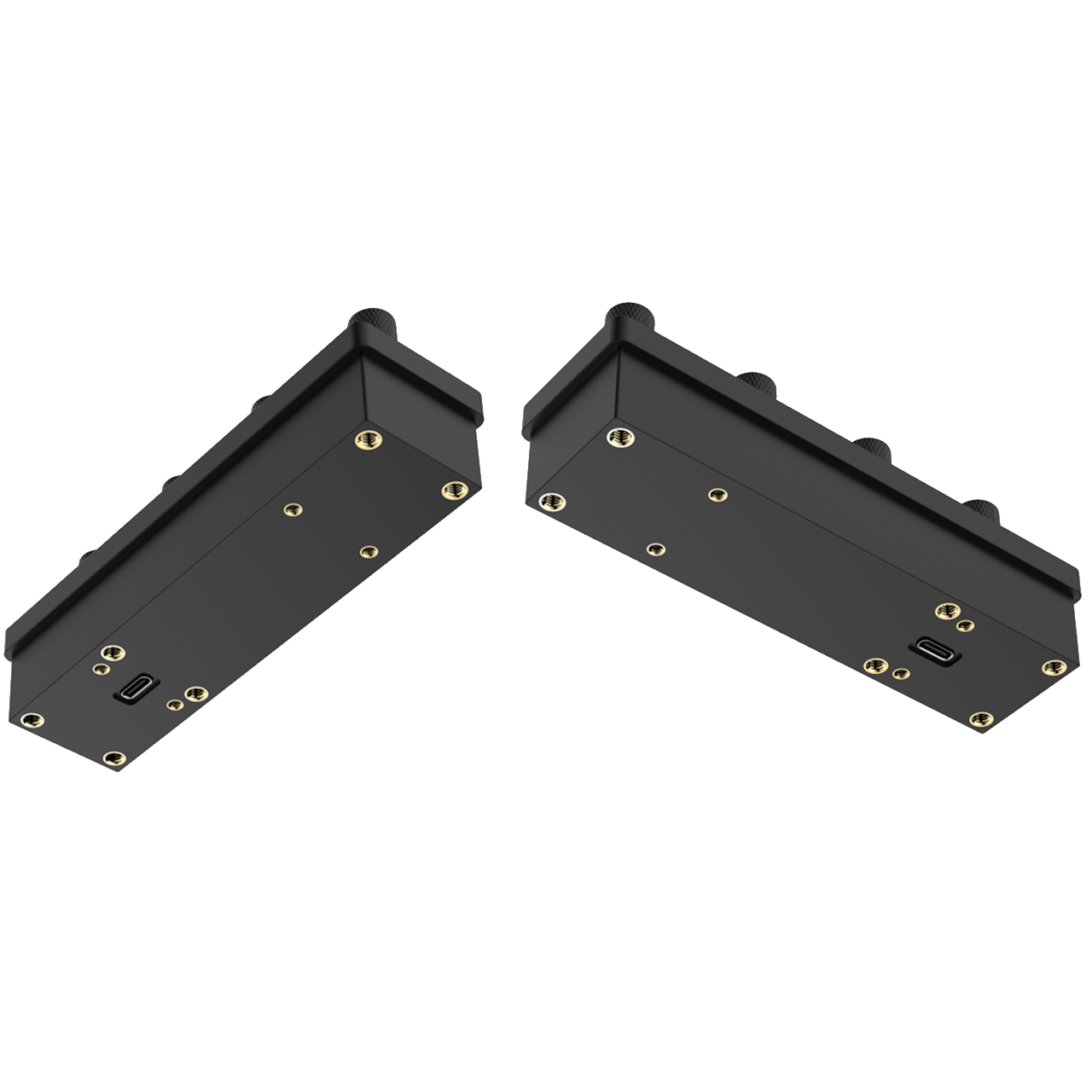
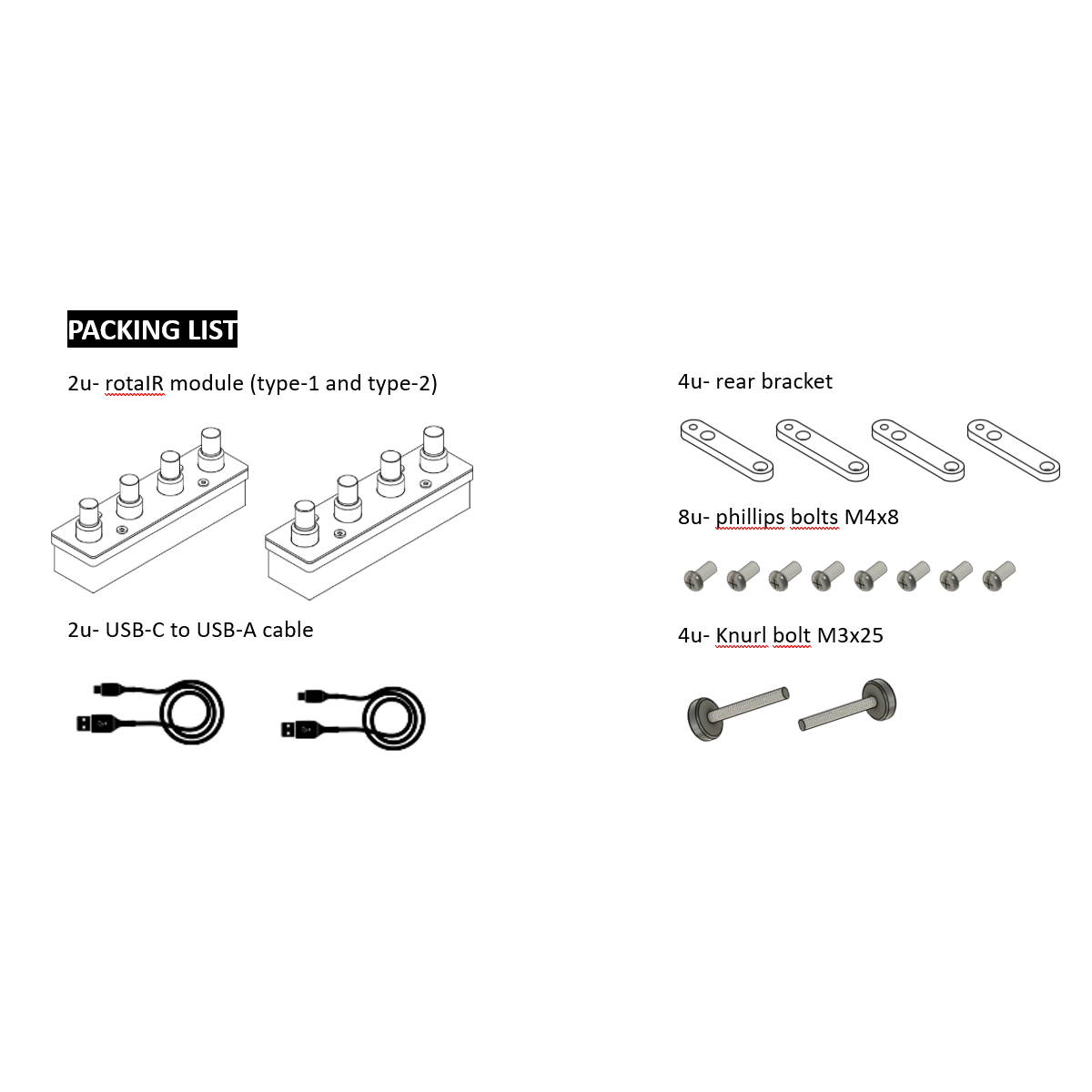
This pack includes 2 modules, giving you a total of 8 dual-axis encoders. Each module features a USB-C connector and comes with a 1.8 m USB-C to USB-A cable, ensuring seamless connection to your computer.
The rotAIR modules are ideal for managing flight simulator G1000 systems and essential flight tasks such as navigation frequencies, communication settings, autopilot parameters, instrument adjustments, and more — allowing you to leave behind the hassle of keyboards and mouse during IFR flights.
When equipped with the optional A32 Front Panels, rotAIR expands beyond GA avionics and becomes a compact Airbus A320 control solution.
Full details about A320 integration, supported simulators and workflows are available on the A32 Front Panel product page.
Fully compatible with G1000 NXi avionics, GNS530, GTN750, classic Radio panel units, making it ideal for general aviation pilots using MSFS or X-Plane with default or custom aircraft. An ideal companion or upgrade for users of traditional flight simulator radio panels, including the Logitech radio stack.
The same rotAIR hardware can also be used for Airbus A320 setups when combined with the dedicated A32 Front Panels.
Key Features
Two Modes of Operation:
- GlassCockpit Mode
- Analog Panel Mode
These modes feature different joystick mapping assignments in popular MSFS and X-Plane avionics environments, letting you choose the configuration that best suits your aircraft and workflow.
Switch between PFD and MFD
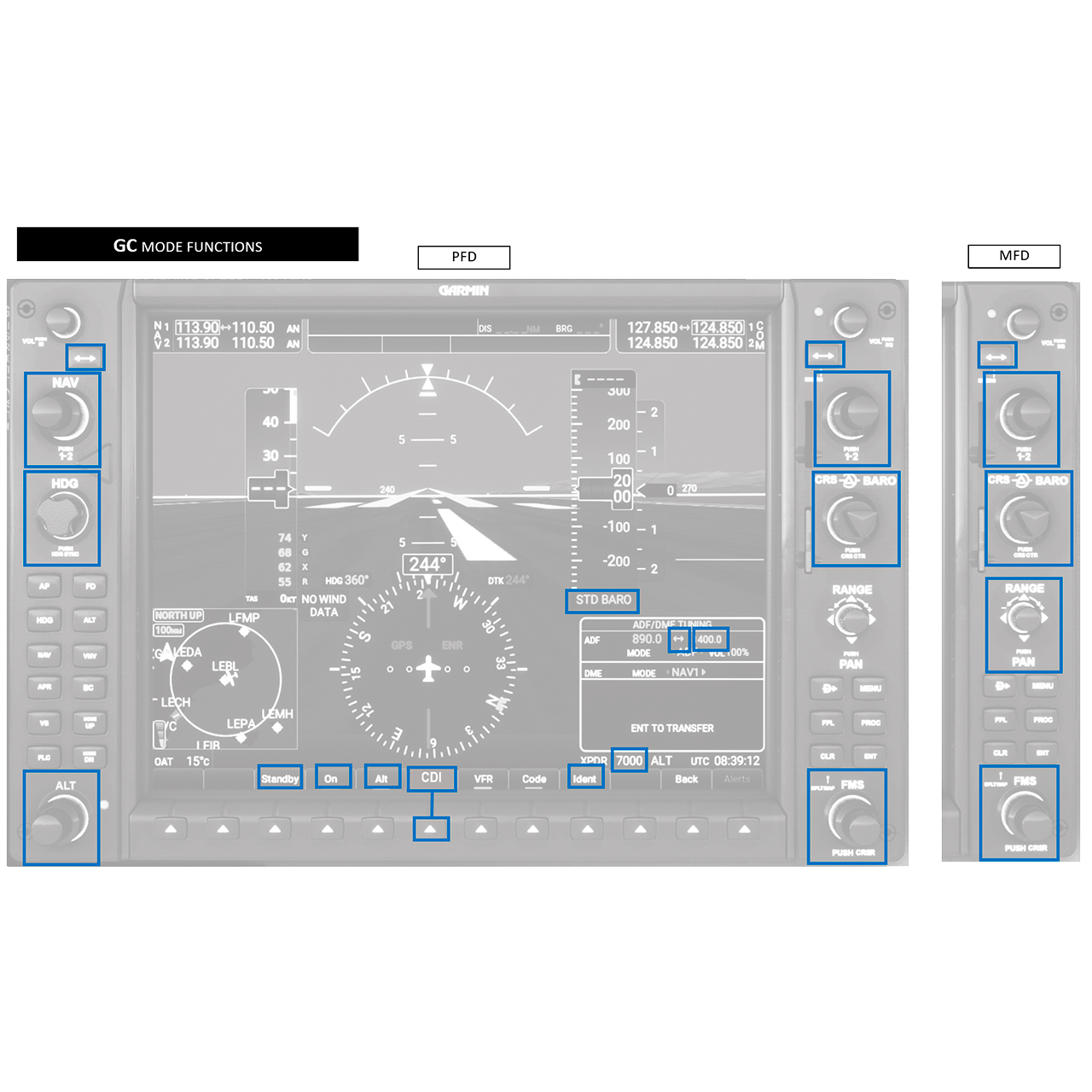
The FMS and RANGE rotary encoders can be switched between PFD and MFD displays, adding flexibility when operating GlassCockpit avionics.
Unbeatable Value
The cost of buying even a few dual-axis encoders on the market today far exceeds the price of this 2-module pack, making rotAIR an unbeatable option for high-quality flight simulator control hardware.
Enhanced Functionality
Each rotary encoder includes a hidden secondary function, greatly expanding its capabilities.
Backlit for Optimal Visibility
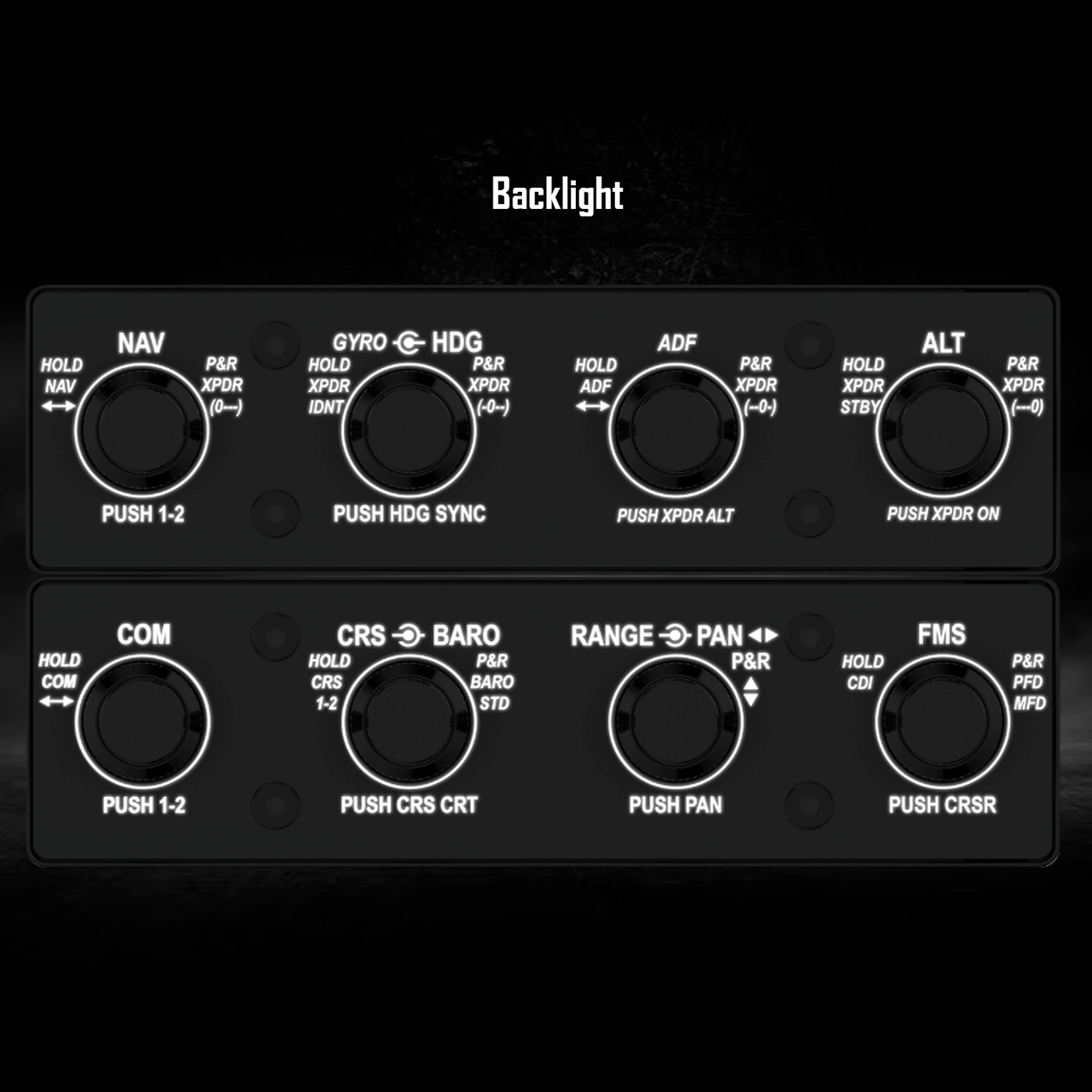
Adjustable backlighting ensures clear and precise operation in any lighting condition.
Ready for Customization and Mounting
The rotAIR modules can be embedded into any simulation panel or mounted directly on the panel. Additional mounting kits are available on the website, offering two practical installation options:
- Side-mounting on desktop monitors.
2. Top-mounting on desks or on the most popular yokes, including HoneyComb, Logitech Saitek, and VirtualFly.
Also compatible with most radio stack / radiostack layouts, offering a plug-and-play experience for popular radio management panels.
For Airbus A320 users, the A32 Front Panels provide the correct labeling, layout and visual logic required for realistic operation.
See the rotAIR A32 Front Panel page for full A320-specific details.
What is rotAIR? Dual encoder for flight simulator
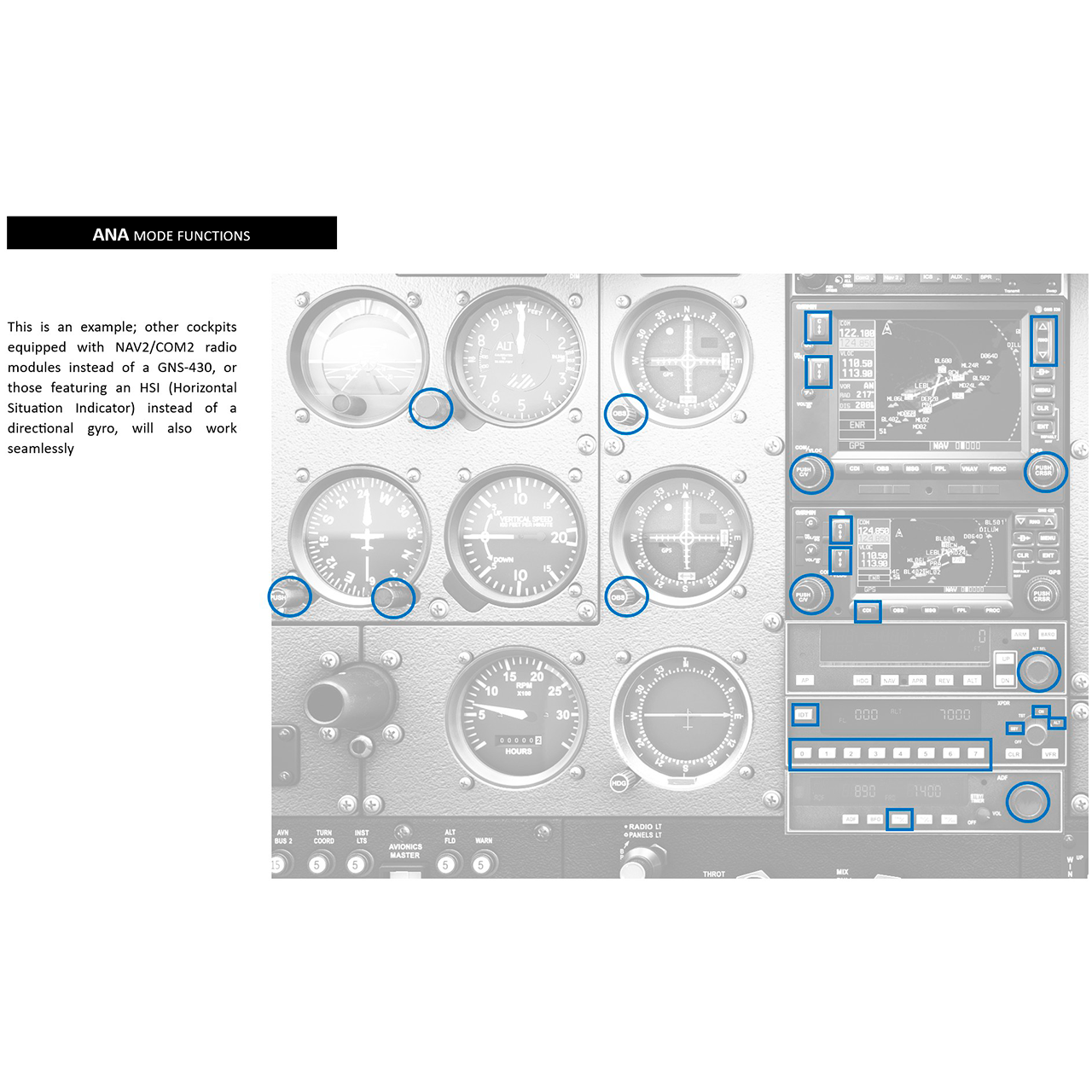
rotAIR is a hardware device designed to modify all flight parameters that in a real aircraft are controlled via rotary knobs, such as frequencies, heading, and course. It allows instant switching between GlassCockpit (GC) and Analog (ANA) configurations without requiring external programming.
By default, it is designed for General Aviation avionics and can be expanded to Airbus A320 operation using optional A32 Front Panels.
Is rotAIR compatible with the Airbus A320?
Yes, but only when used together with the dedicated rotAIR A32 Front Panels, which are required for A320 operation.
These panels adapt the hardware layout and legends to match Airbus FCU, EFIS, COM1-2 & XPDR code logic.
Does rotAIR include A320 functionality by default?
No. rotAIR is GA-oriented by default.
Airbus A320 compatibility is enabled exclusively through the optional A32 Front Panel accessory.
Why does rotAIR have GlassCockpit (GC) and Analog (ANA) modes?
The distinction between GC (GlassCockpit) and ANA (Analog) modes exists because the joystick map configurations for GC and ANA systems are different in any flight simulator setup. rotAIR ensures proper mapping and seamless transition between both configurations.
In the RotAIR Module 2, I don’t see the typical Joystick Map on the right side of the G1000 screens.
Correct, we have not included a joystick, but instead, there is a dual-axis rotary encoder that will allow you to perform all the functions: zoom in/out, pan the map to the right/left, pan the map to up/down.
But you only offer 2 modules, whereas a G1000 with 2 screens would require 4 modules?
You have the freedom to buy 2 sets (four modules), but 2 modules are enough, because in normal procedures, almost all the rotaries on the PFD and MFD screens perform exactly the same functions, with the exception of the Joystick Map and the FMS.
The FMS can be switched from one screen to another with a simple Push & Rotate (P&R) action on the FMS itself.
In summary, with just one set of RotAIR modules, you can control both screens, with the only exception being the Joystick Map on the left PFD screen.
Is rotAIR compatible with SPAD.neXt, FSUIPC, Mobiflight, Axis & Ohs, and joystick mapping for X-Plane, MSFS, and P3D?
Yes, rotAIR operates as an HID device, making it fully compatible with these platforms wthout additional configuration.
Is rotAIR compatible with AIR Manager?
Yes, rotAIR is fully compatible with AIR Manager. SimFlight Services will provide the instrument code to facilitate integration and ease of use.
What is the encoder pulse refresh rate?
Even though it is an HID device, rotAIR provides a high-speed encoder response. Details on optimizing pulse refresh for maximum performance are included in the USER manual.
How are the rotAIR modules supported or fixed in place?
The website offers mounting supports for four types of installation:
- Embedded or surface-mounted in cockpit panels for cockpit builders (default system, requires no extra support)
- Desktop support (with anti-slip system)
- Mounting support with screws on the top of the 3 most popular yokes on the market
- Mounted on the sides of desktop monitors, for example, those using Air Manager on an independent monitor
Is rotAIR plug & fly?
This is an important point to clarify. Many complex products from other manufacturers claim to be plug & fly even when they are not. We want to be transparent:
- With X-Plane, starting from update XP12 V12.2.1, we can say that it is plug & fly.
- For MSFS and Prepar3D, we cannot make the same claim, as you will always need to download some files or configurations from our website to set it up properly.
From this perspective, you can decide whether you consider it plug & fly or not.
How can I get full details about A320 usage?
All Airbus A320-specific information, workflows and requirements are documented on the A32 Front Panel product page.
How can I get technical support for rotAIR?
For any inquiries or issues, please contact our support team at support@simflightservices.com.
Flight Simulators:
Compatible with X-Plane, Microsoft Flight Simulator (MSFS), and Prepar3D (P3D). Also compatible with any platform that supports USB joystick devices.
Third-Party Software:
Works with AIR Manager, SPAD.neXt, FSUIPC, Mobiflight, and Axis & Ohs.
Airbus A320.
See A32 Front Panel page for A320-specific details.
Additional information
| Weight | 0,49 kg |
|---|