
pulsAIR
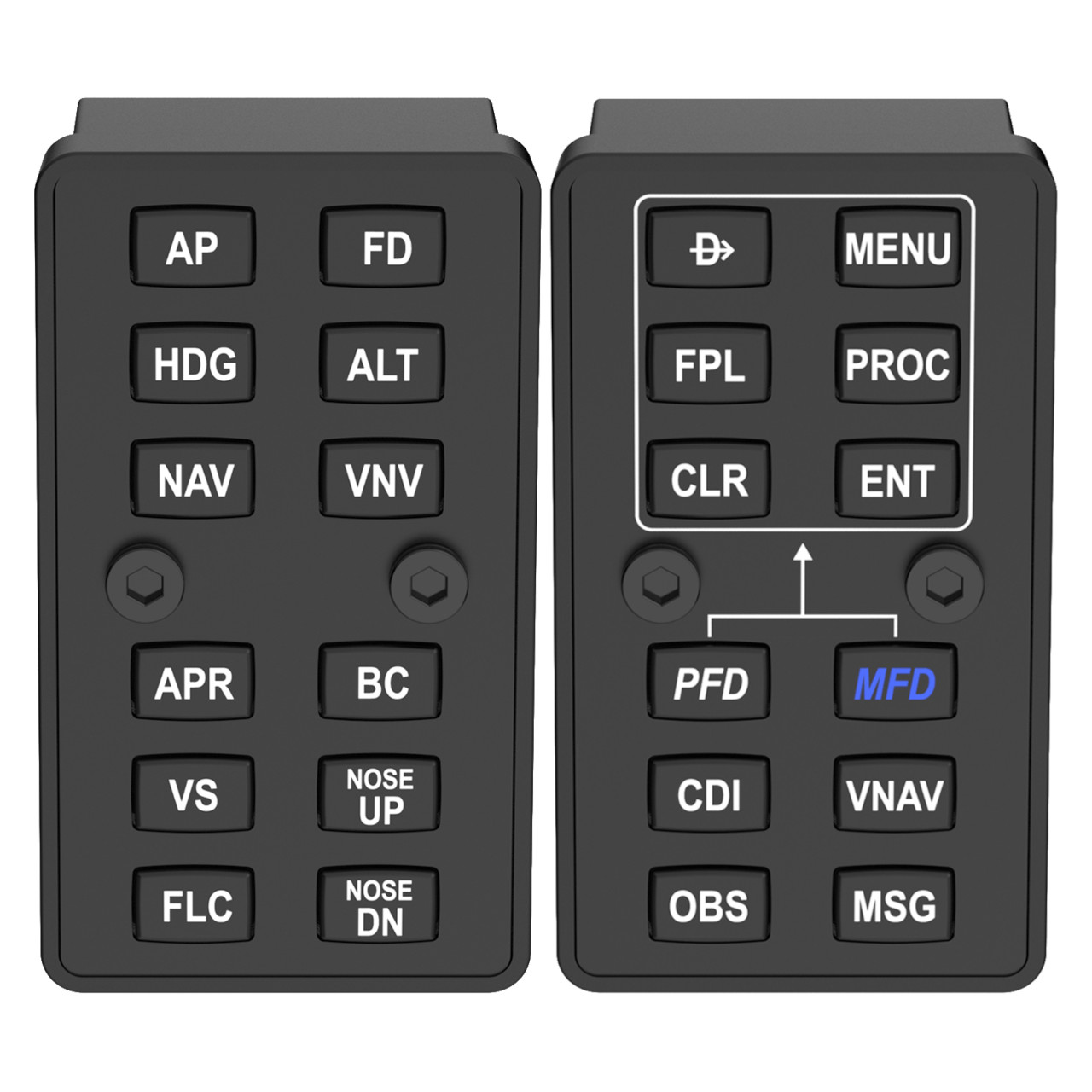
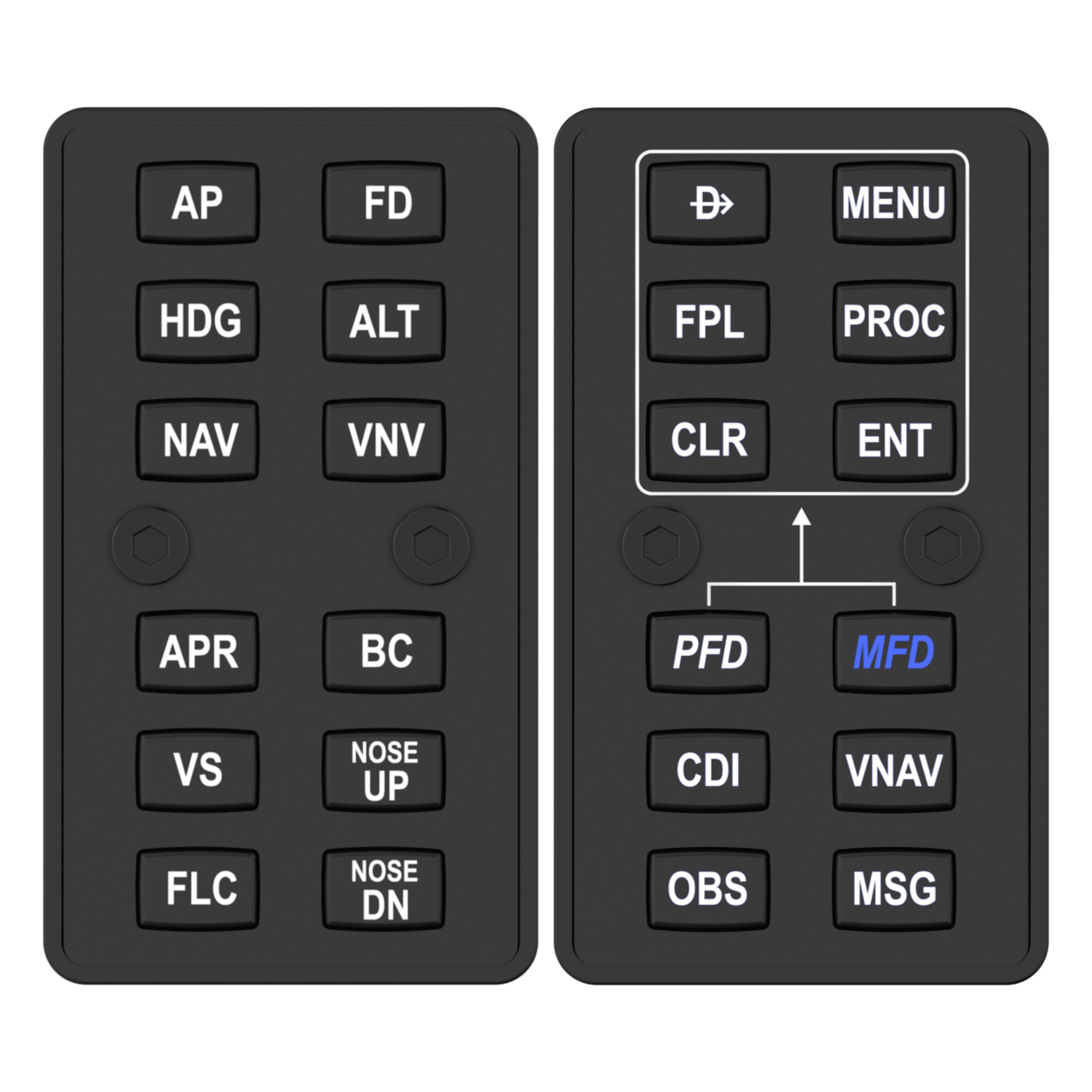
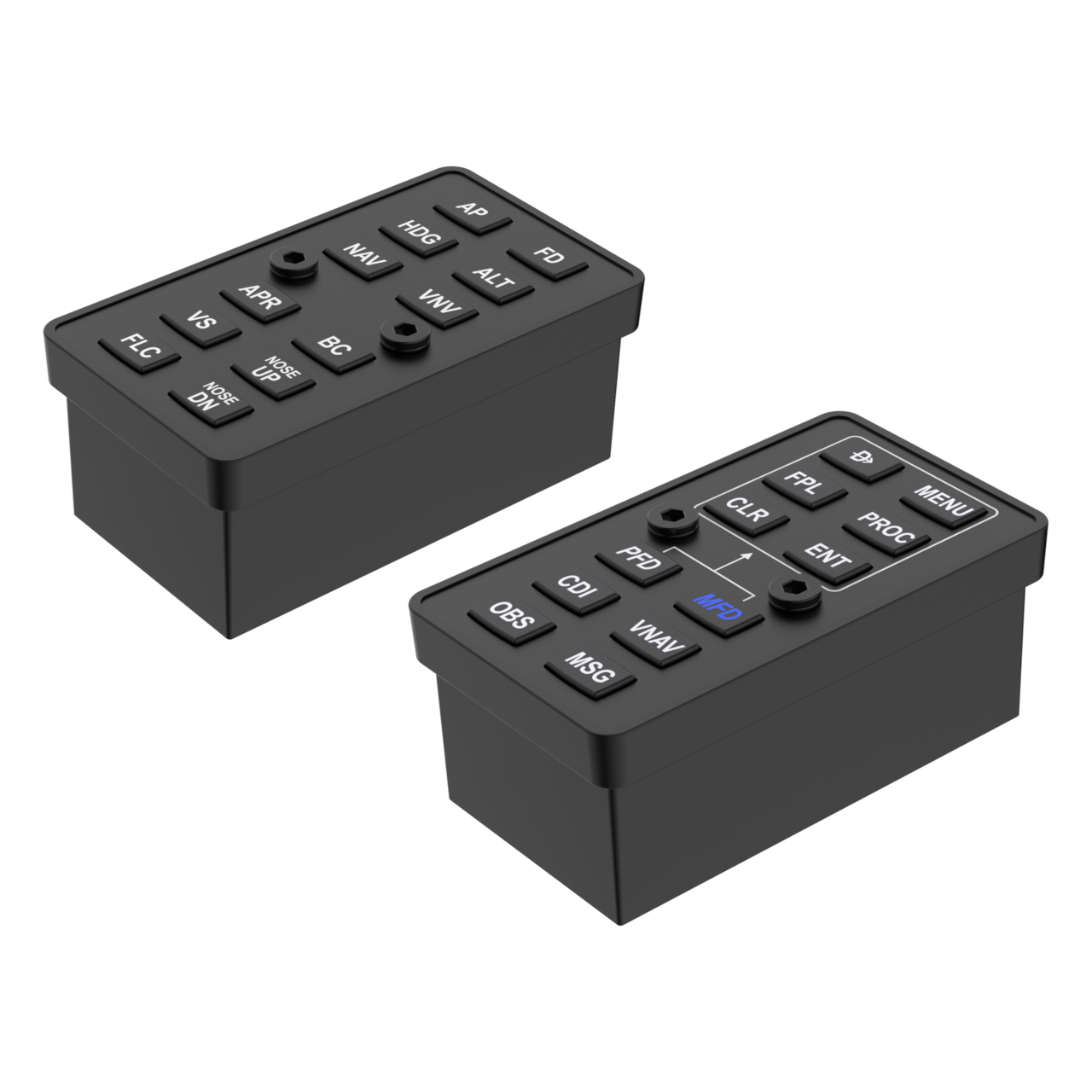
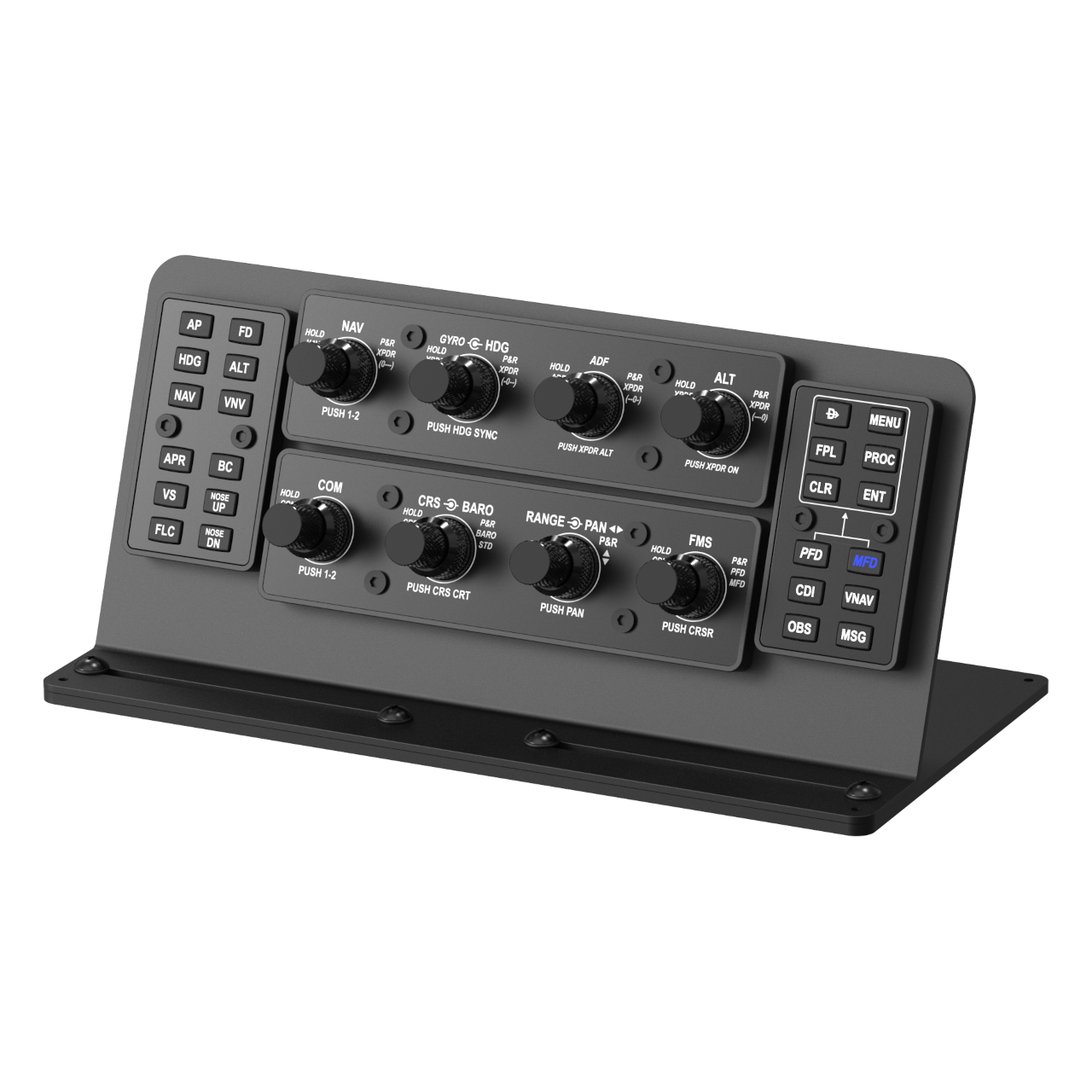
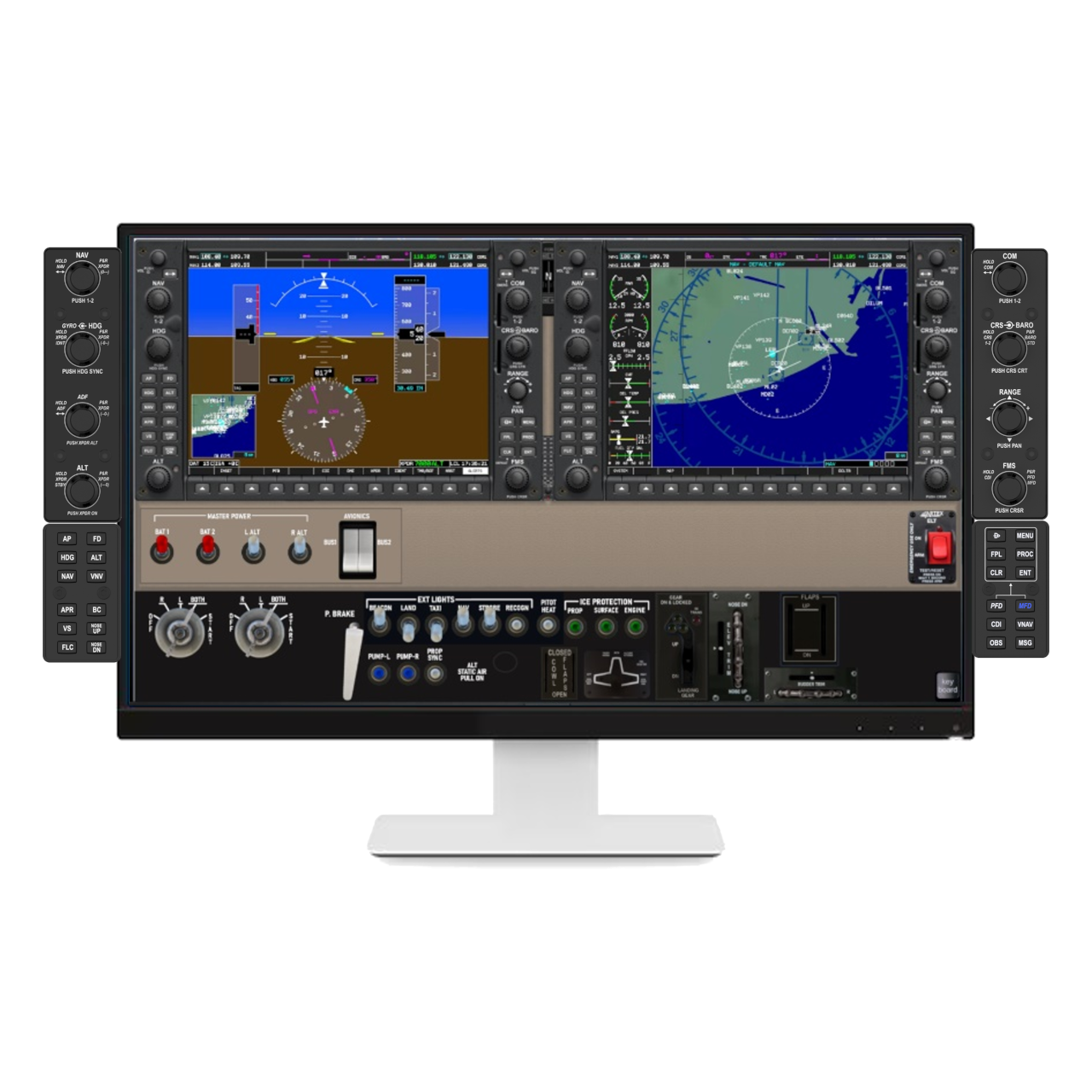
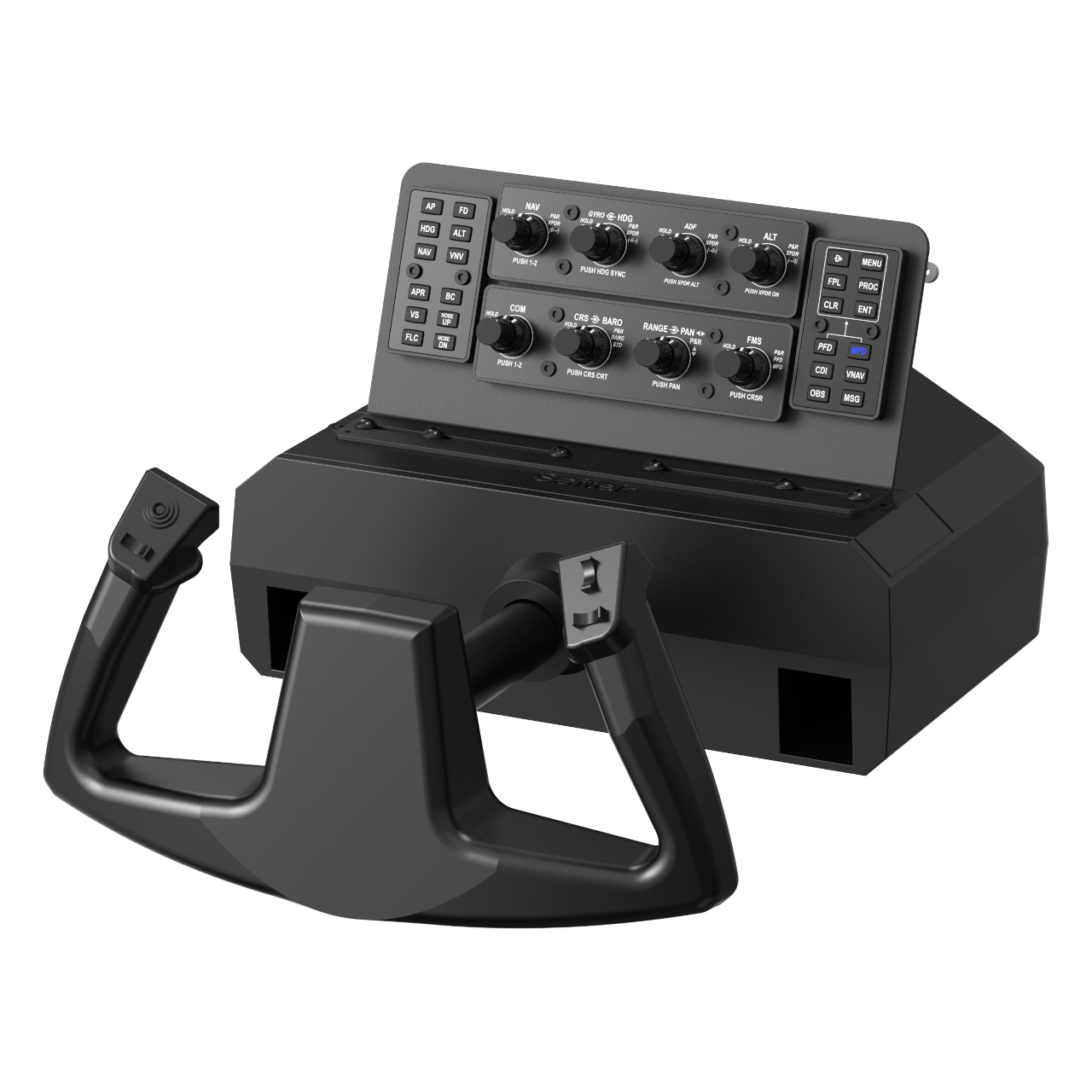
Push-button modules for GA flight simulation, the natural companion to rotAIR. Includes 2 modules with 24 backlit push buttons inspired by G1000 hardware, compatible with G1000, GNS 530, and analog cockpits, with backlighting.
In Stock
135,00 €
pulsAIR – Button Module Pack for G1000, G3000, G3X, GTN750, GNS 530, and Analog Cockpits
– The missing piece for your IFR cockpit – The pulsAIR Pack completes what rotAIR started. While rotAIR handles all rotary inputs, pulsAIR takes care of every button interaction — autopilot commands, FMS navigation, and display control — putting the full G1000 experience at your fingertips without touching the keyboard or mouse.
This pack includes 2 modules with a total of 24 backlit push buttons, inspired by the G1000 button layout. Together with rotAIR, they cover virtually every avionics interaction in a standard GA cockpit, from the first frequency input to the final approach procedure.
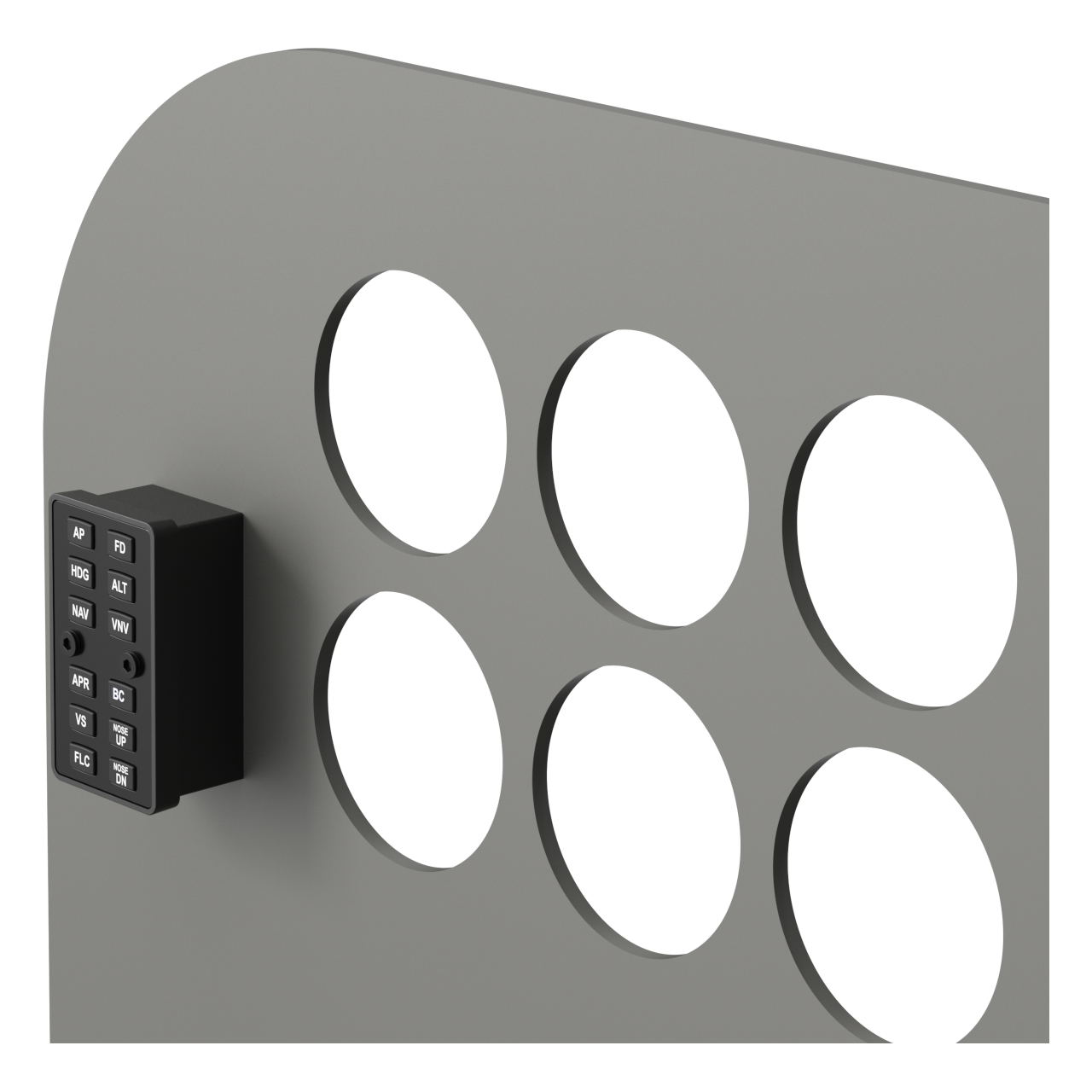
Autopilot Module — works with any aircraft
Module 1 covers all autopilot interactions. Whether you fly a G1000, a GTN 750, a G3000, or any analog cockpit, the autopilot button assignments on Module 1 are always the same — no configuration needed.
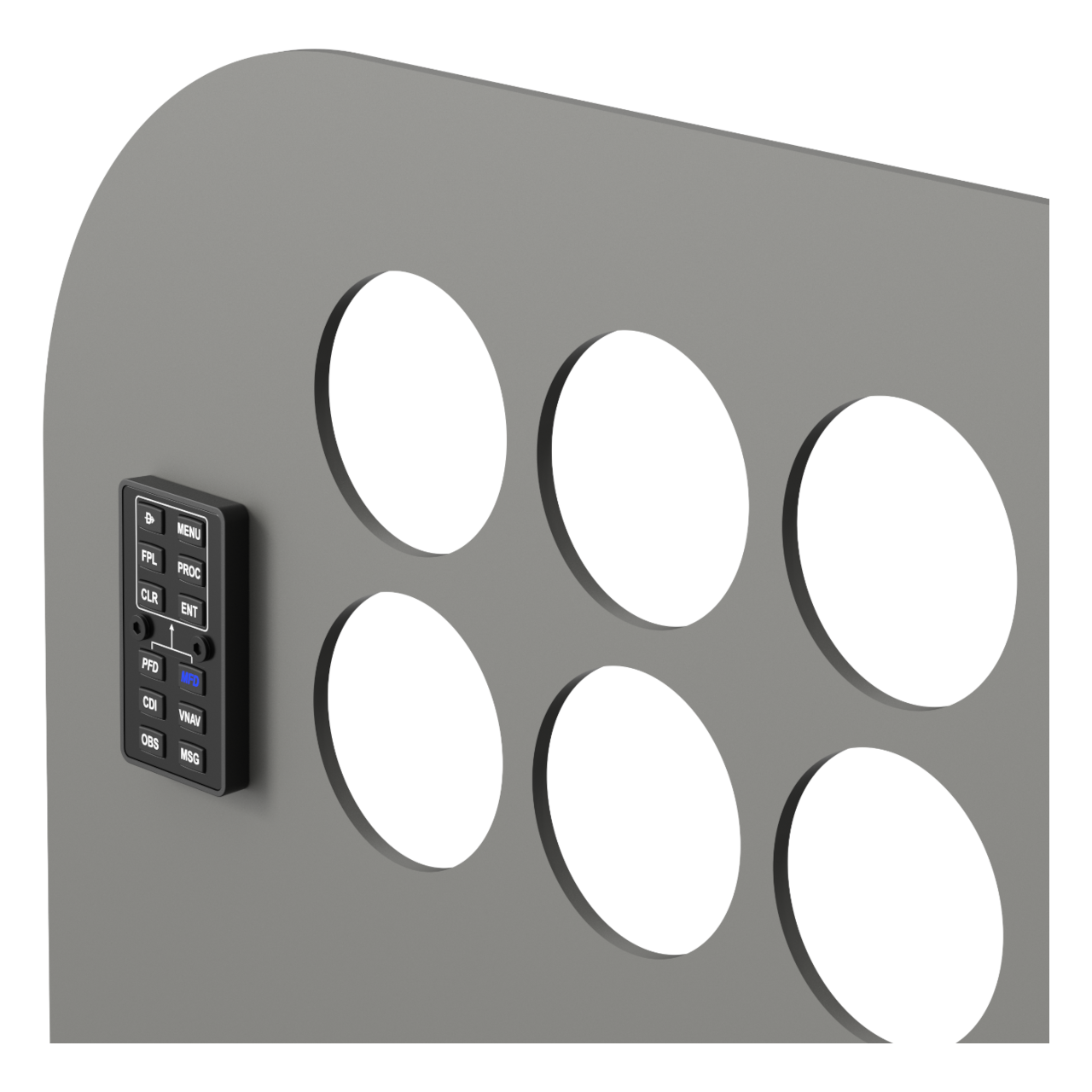
Display Module — G1000 and GNS 530
Module 2 adapts to three avionics configurations with a single button press. Press PFD to operate the G1000 Primary Flight Display, press MFD to switch to the Multi-Function Display, or press both simultaneously to switch to GNS 530 mode — both buttons illuminate to confirm the active configuration. In MSFS, with SFSmonitor, it also supports G3000, G3X and GTN750.
Enhanced Functionality
Each button includes a hidden secondary function triggered by a long press, greatly expanding its capabilities. By default, Module 1 long-press inputs are mapped to the 12 G1000 PFD softkeys, and Module 2 to the 12 G1000 MFD softkeys.
Unbeatable Value
At 135€ for the full 2-module pack, pulsAIR delivers a complete autopilot and FMS button interface at a price that is hard to match with individual components available on the market today.
Backlit for Optimal Visibility
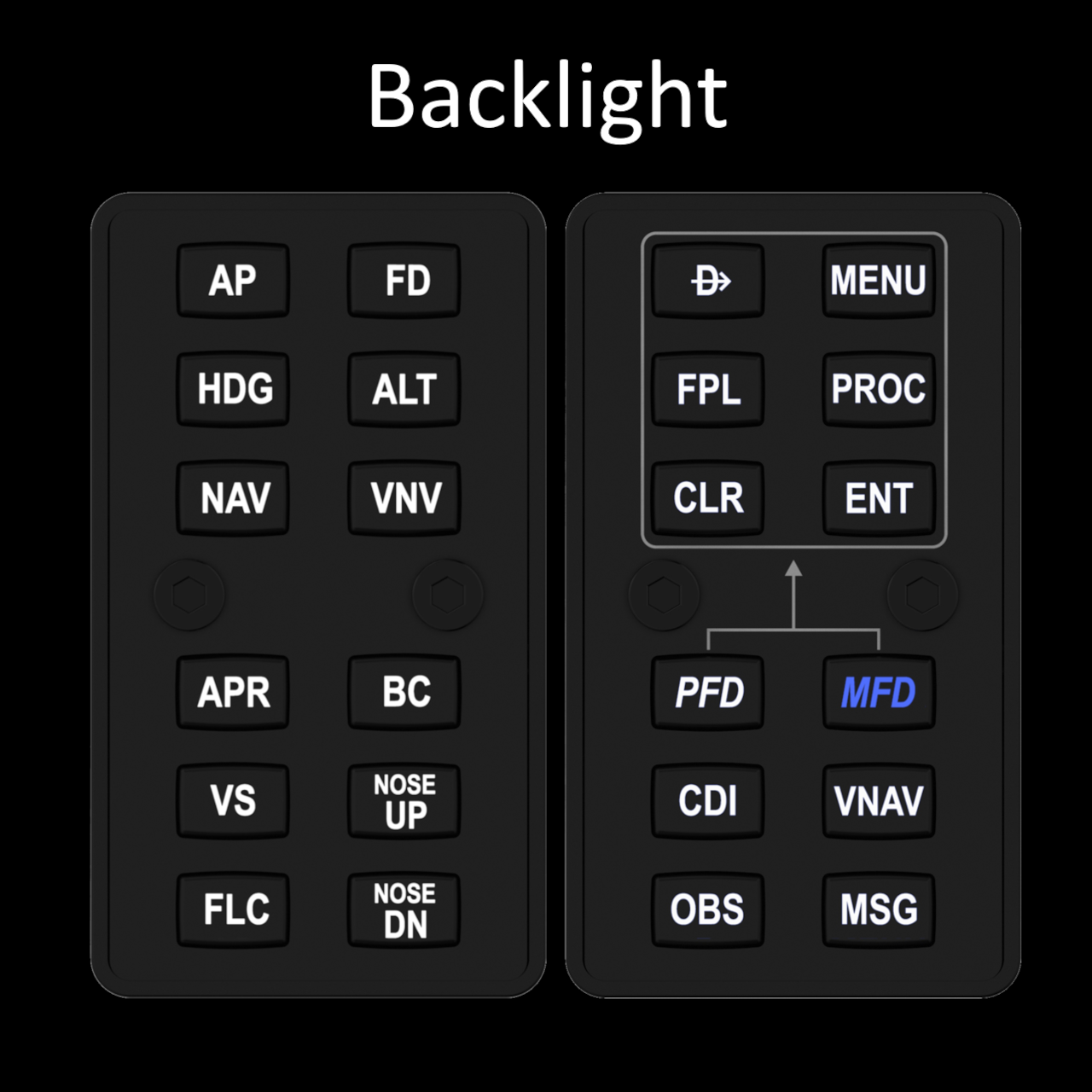
Adjustable backlighting ensures clear and precise operation in any lighting condition.
Ready for Customization and Mounting
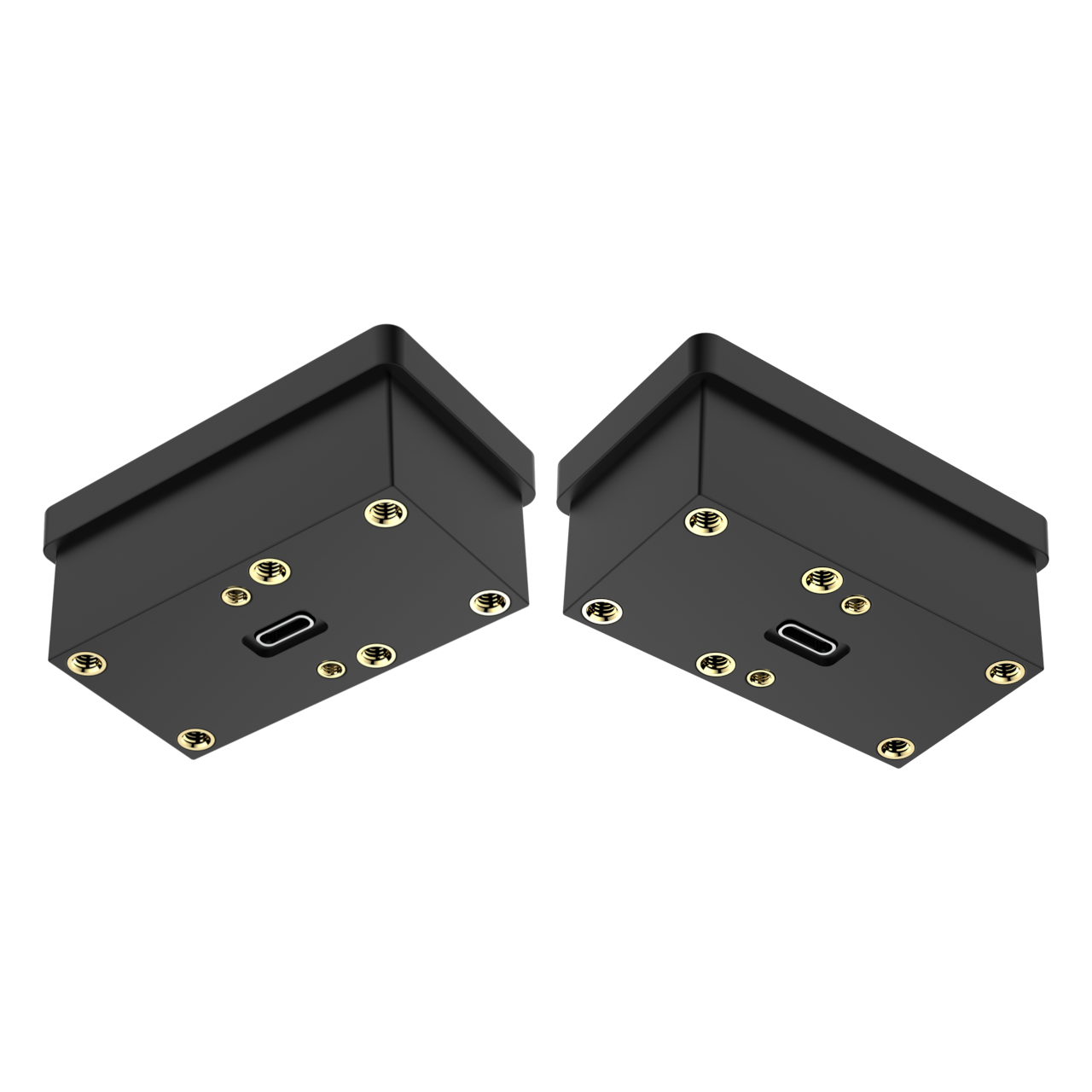
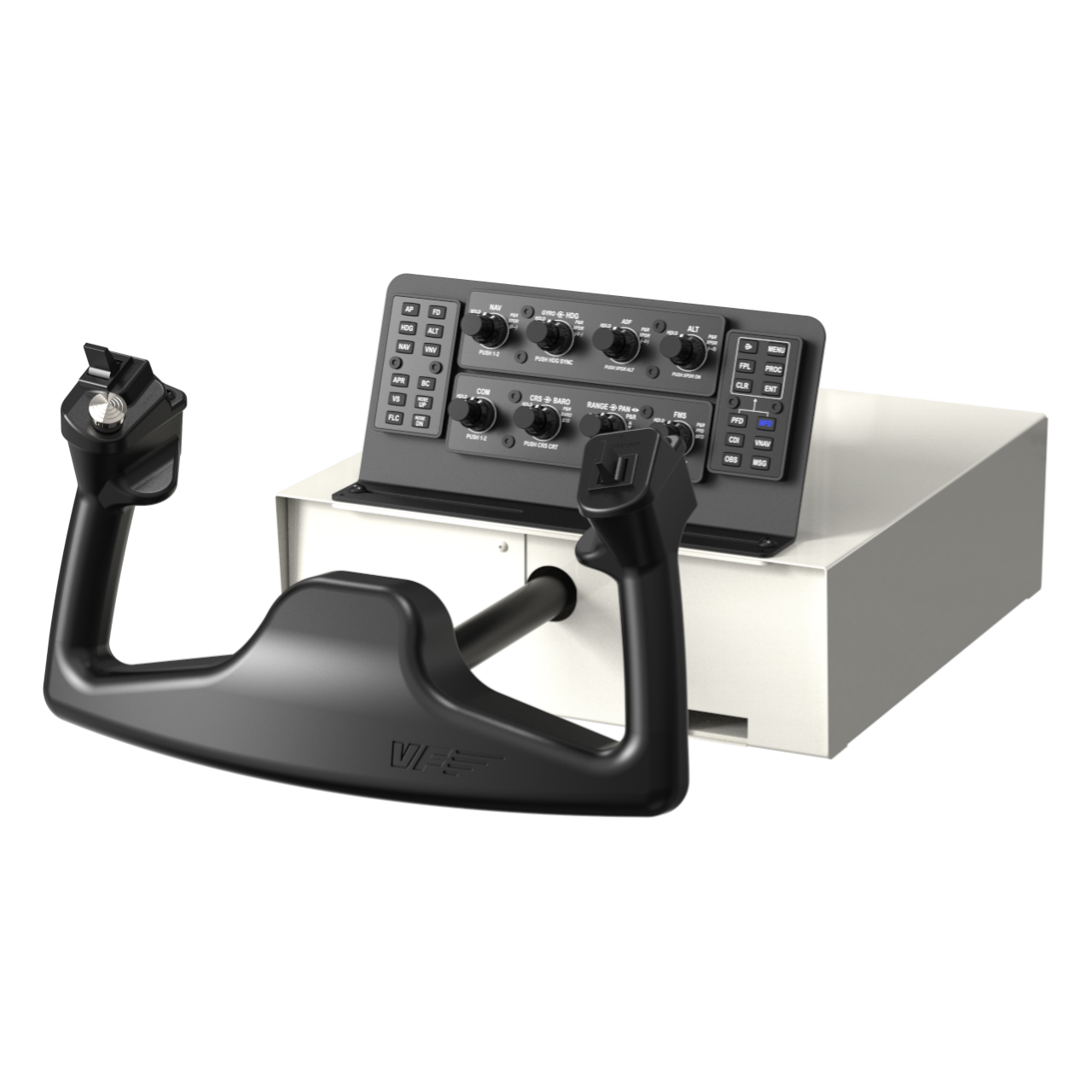
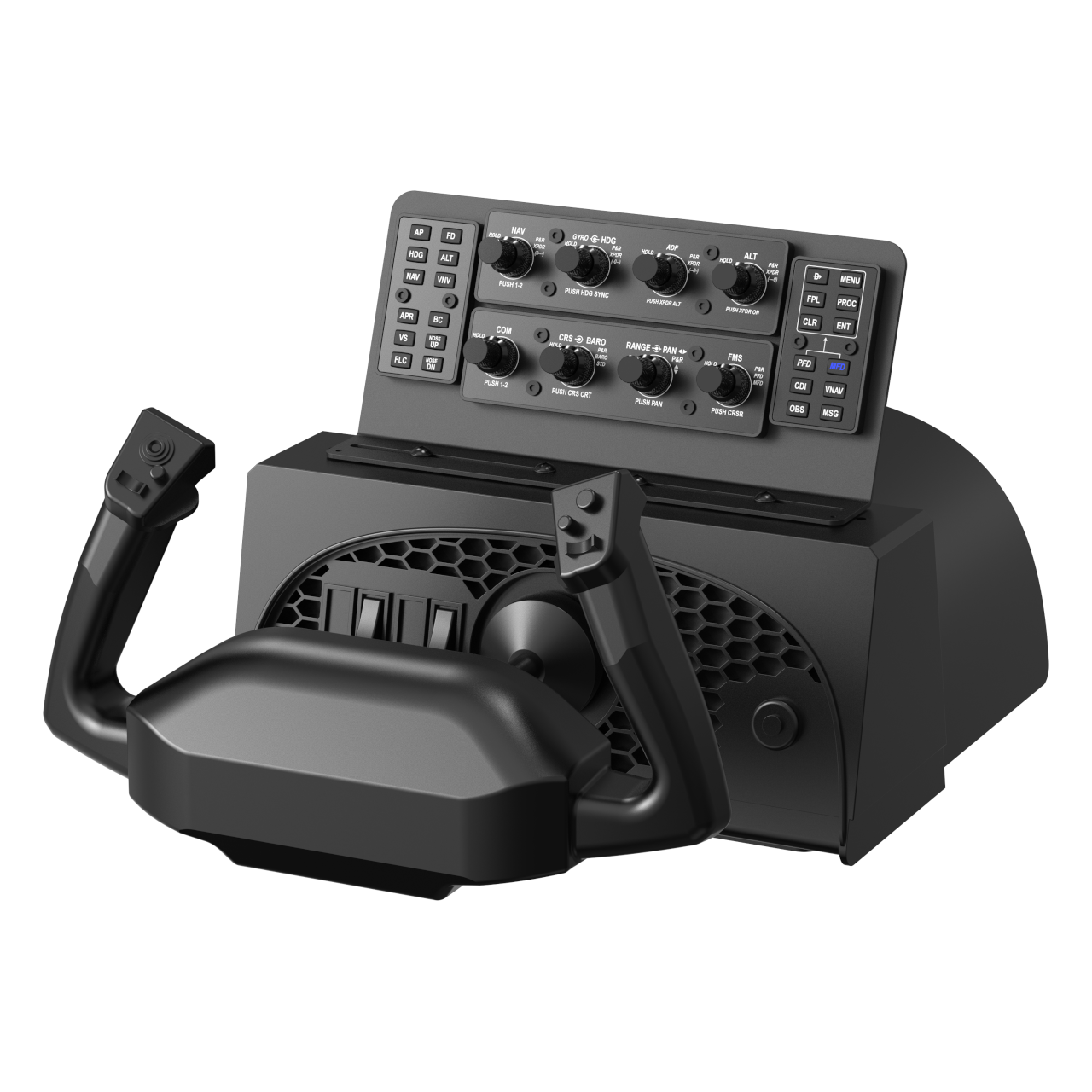
The pulsAIR modules can be embedded into any simulation panel or mounted directly on the desktop. Additional mounting kits are available on the website, offering two practical installation options:
- Side-mounting on desktop monitors.
- Top-mounting on desks or on the most popular yokes, including HoneyComb, Logitech Saitek, and VirtualFly.
What is pulsAIR?
pulsAIR is a hardware device designed to handle all flight simulator actions controlled via push buttons — autopilot commands, FMS navigation, and display interactions. Inspired by the G1000 button layout, it operates as a USB-HID device and works natively in MSFS, X-Plane and P3D without additional software.
Do I need rotAIR to use pulsAIR?
No. pulsAIR is a fully independent USB-HID device and works standalone in any simulator. However, pairing it with rotAIR creates a complete IFR setup that covers both rotary and button inputs with no keyboard or mouse required.
Is pulsAIR plug & fly? Does it require any additional software?
Yes. With X-Plane, pulsAIR is fully plug & fly through the simulator’s built-in joystick controller menu. With MSFS, plug & fly operation is achieved through SFSmonitor. Beyond that, pulsAIR operates as a standard USB-HID joystick device, making it also compatible with any third-party software that supports USB joystick input, including SPAD.neXt, FSUIPC, Mobiflight, and Axis & Ohs — without any additional configuration.
How does Module 2 switch between G1000 and GNS 530?
Module 2 operates in three configurations. Press PFD to interact with the G1000 Primary Flight Display, press MFD to switch to the Multi-Function Display, or press both PFD and MFD simultaneously to activate GNS 530 mode — both buttons illuminate to confirm which configuration is active.
Does each button have only one function?
No. Each button includes a hidden secondary function triggered by a long press, greatly expanding its capabilities. By default, Module 1 long-press inputs are mapped to the 12 G1000 PFD softkeys, and Module 2 long-press inputs to the 12 G1000 MFD softkeys.
What avionics is pulsAIR compatible with?
Module 1 works with any aircraft equipped with an autopilot. Module 2 is compatible with G1000 / G1000 NXi, GNS 530, and analog cockpits with classic radio stacks. The CDI button on Module 2 also works with any aircraft equipped with an autopilot.
Is pulsAIR compatible with the Airbus A320?
Not currently. pulsAIR is GA-oriented by default. A320 compatibility may be explored in a future update.
Is pulsAIR compatible with AIR Manager?
Yes. pulsAIR is fully compatible with AIR Manager.
How are the pulsAIR modules supported or fixed in place?
Same mounting system as rotAIR. The website offers mounting supports for four types of installation:
- Embedded or surface-mounted in cockpit panels for cockpit builders
- Desktop support (with anti-slip system)
- Mounting support with screws on the top of the 3 most popular yokes on the market
- Mounted on the sides of desktop monitors
Is backlighting adjustable on pulsAIR?
Yes. Off + 3 brightness levels, consistent with the rotAIR system.
How can I get technical support for pulsAIR?
For any inquiries or issues, please contact our support team at support@simflightservices.com.
Flight Simulators:
Compatible with X-Plane, Microsoft Flight Simulator (MSFS), and Prepar3D (P3D). Also compatible with any platform that supports USB joystick devices.
Third-Party Software:
Works with AIR Manager, SPAD.neXt, FSUIPC, Mobiflight, and Axis & Ohs.
Airbus A320
Not currently supported. To be explored in a future update.
pulsAIR is a standard HID device. Windows and macOS recognize it without drivers.
Additional information
| Weight | 0,40 kg |
|---|